
GlassIntroKit
A first-launch intro for SwiftUI apps.
Made with Liquid Glass and Metal, added with one modifier. Open source, for iOS and macOS.
Overview
Add .glassIntro(appName:pages:) to your root view. At launch, your app's mark appears on frosted glass; on the first launch, a welcome follows, one page at a time, and ends with the mark filling with color and dissolving over your app.
Pages come from eight kinds of pictures, from a greeting written in glass to a live Metal scene or your own SwiftUI view. It has no dependencies, makes no network requests and stores one Boolean to remember that the welcome was shown.
How an intro plays
Launch. Your mark comes up on frosted glass over the app.
Welcome. Your pages, one at a time: a picture, a title, a message and Continue.
Last page. "Let's Begin" and Get Started, in your words if you like.
Ending. Up to three lines of words in glass, then the mark fills with color.
Your app. The mark dissolves where it is, and the app is yours.
Pages
A picture for every page.
Pages can come in any order and repeat. Pictures made to follow one another continue directly; any other two meet in a drop of glass, so no transition jumps.
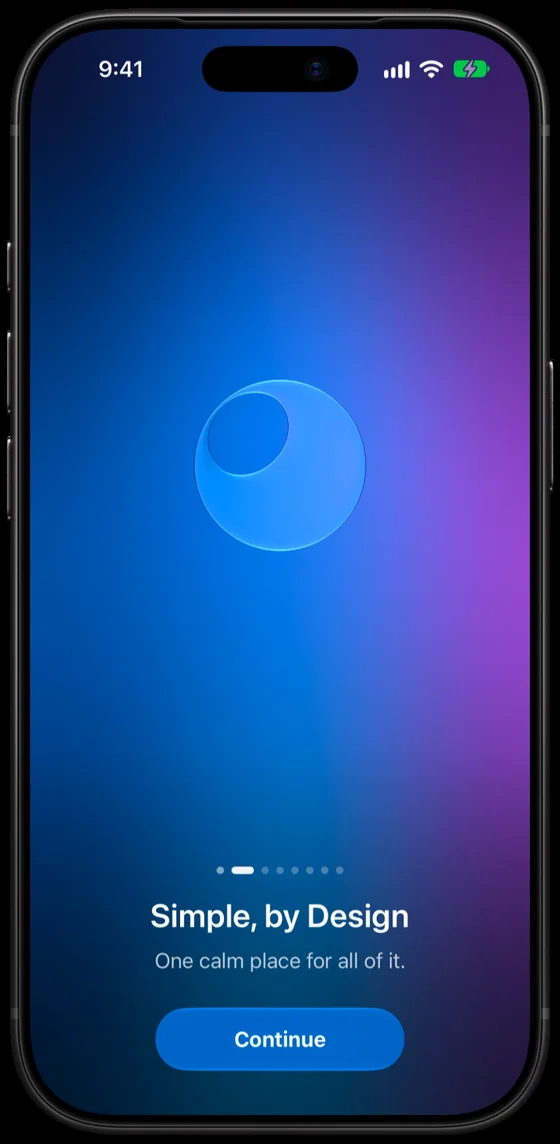
.mark Your mark in glass, its detail opening.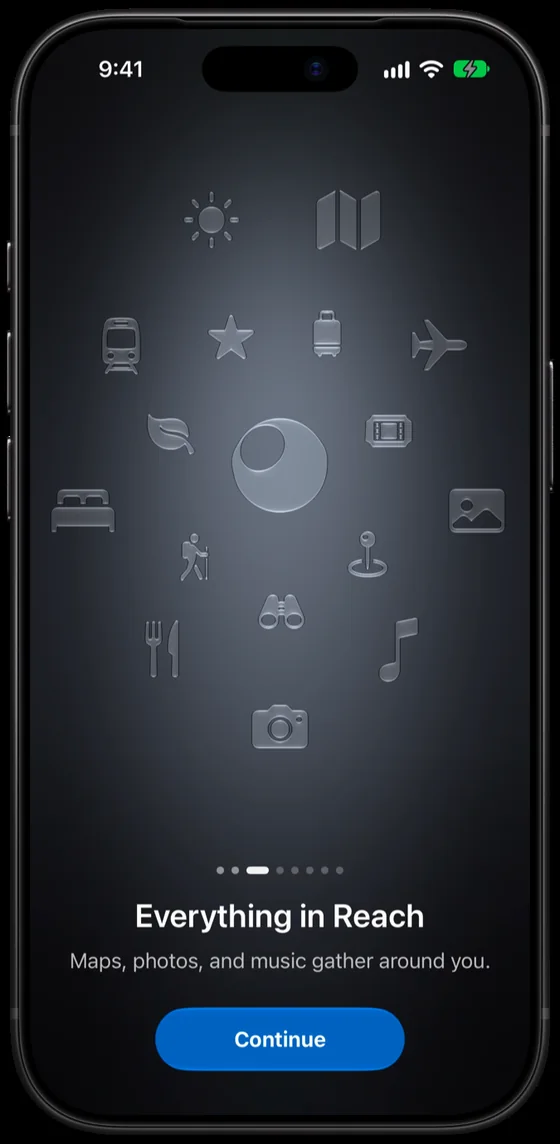
.symbols The mark melts into a symbol, and glass symbols scatter out of it.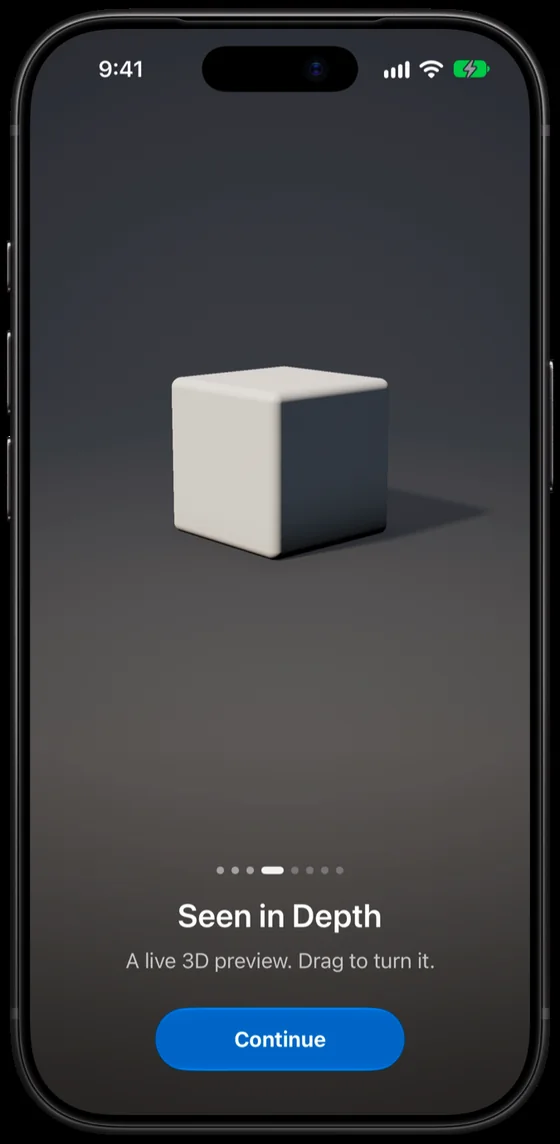
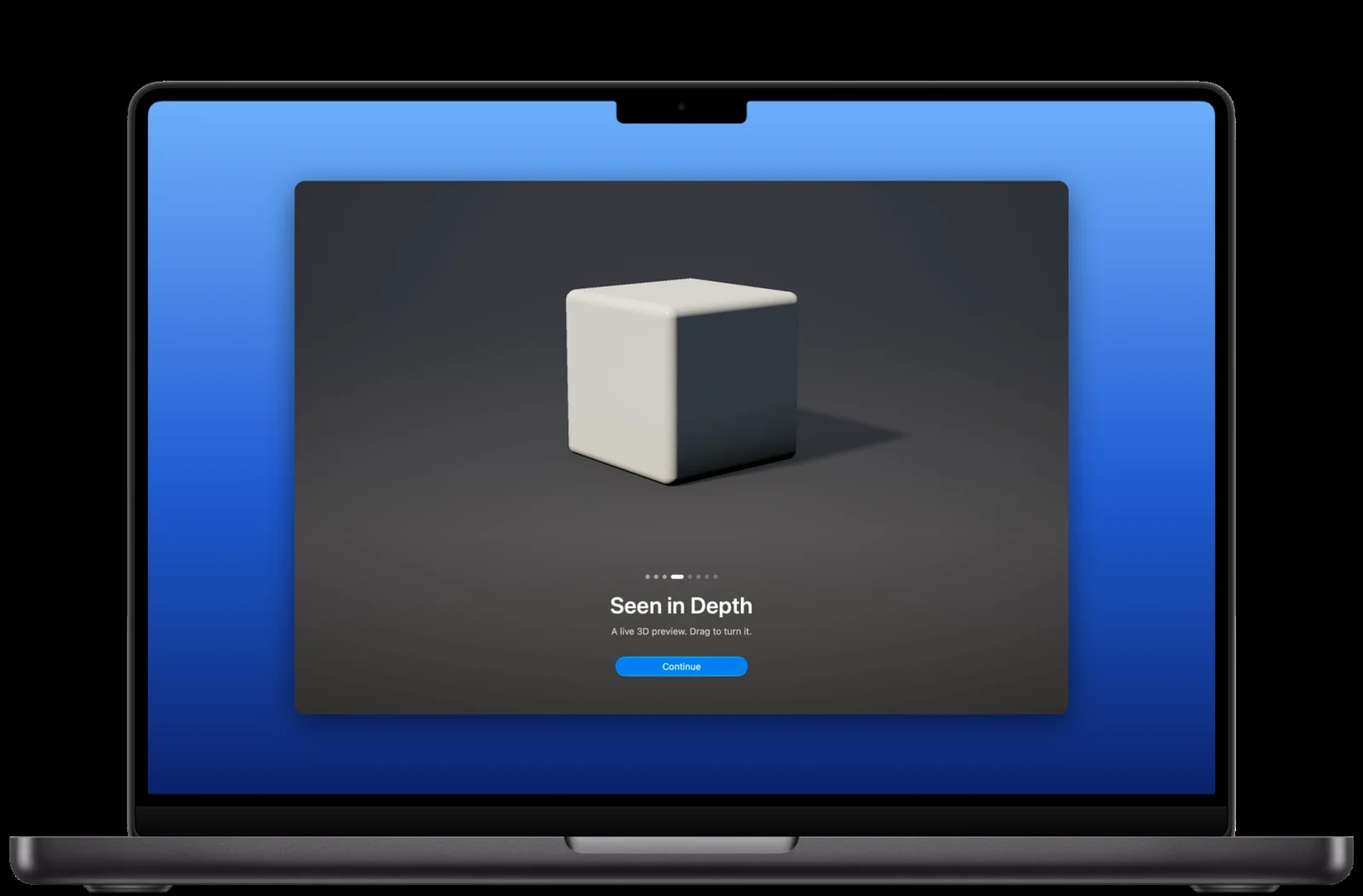
.scene A glass lens opens over a live, ray-marched Metal scene, or over a RealityKit or SwiftUI view of your own. Drag to turn it.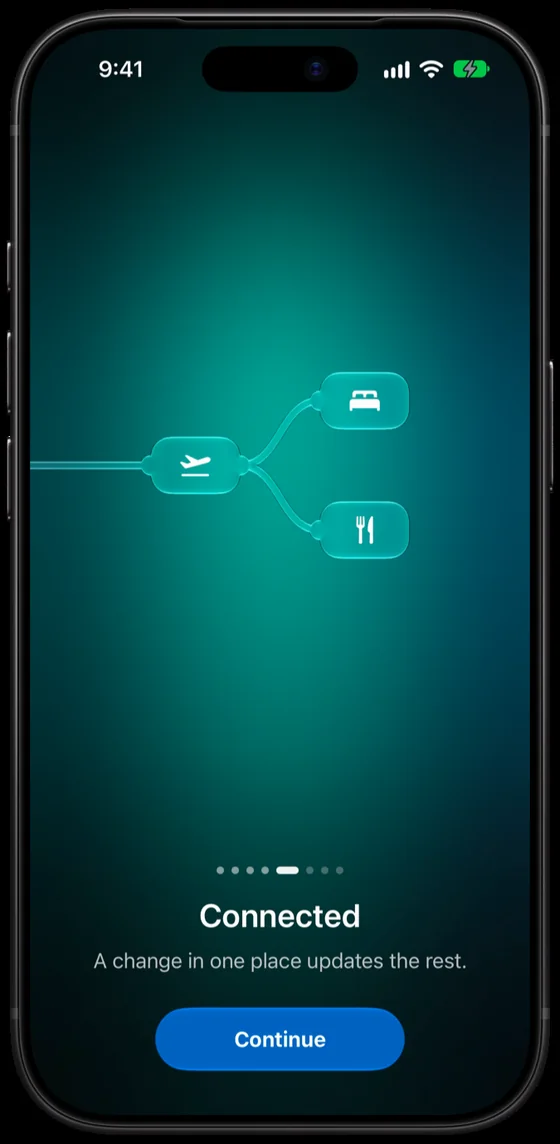
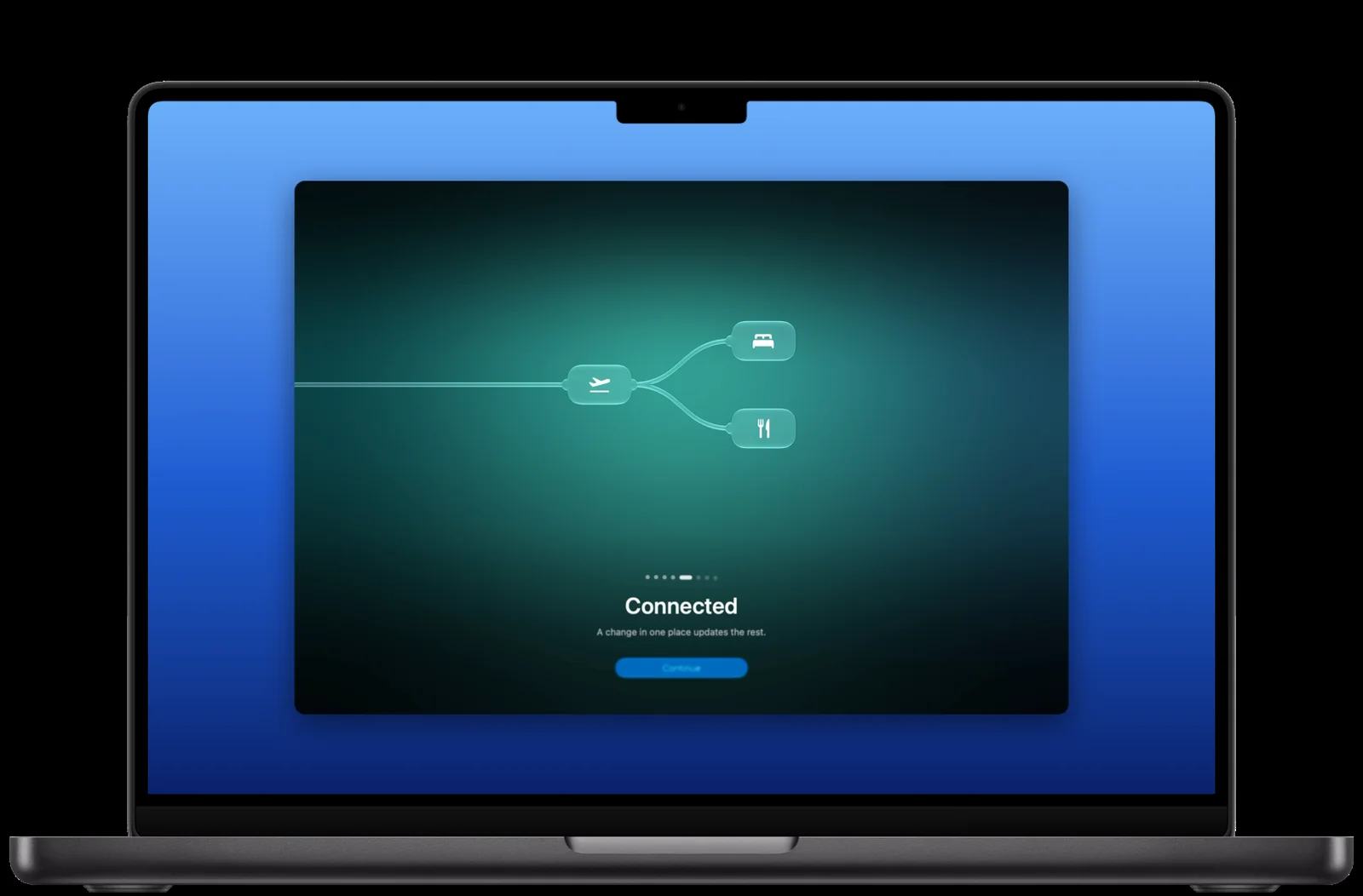
.graph A wire shoots out of a glass point, and a graph of your nodes grows, column by column.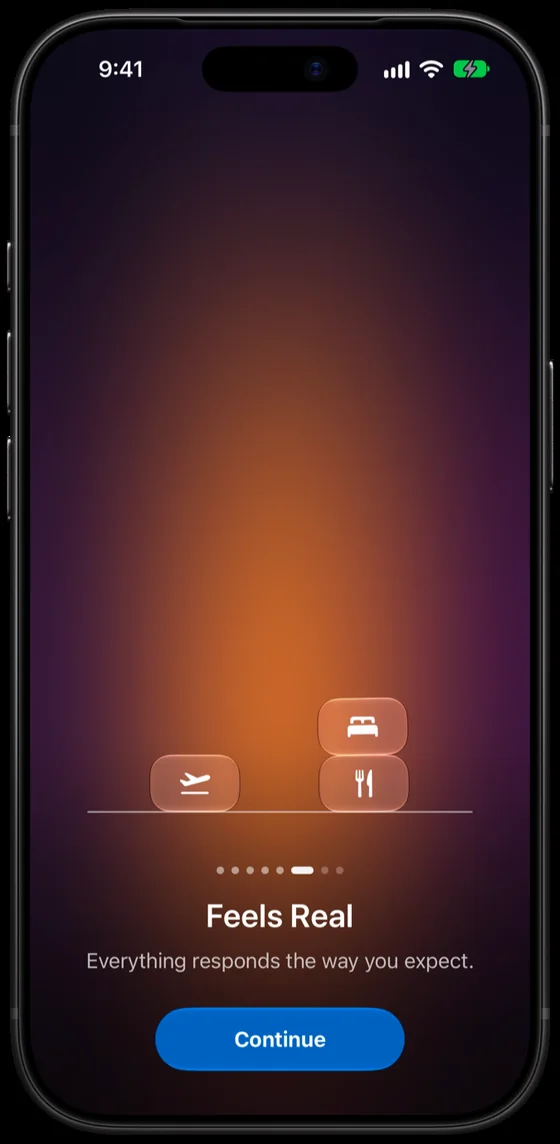
.physics Up to eight nodes fall onto a line under rigid-body physics, and each lands face up.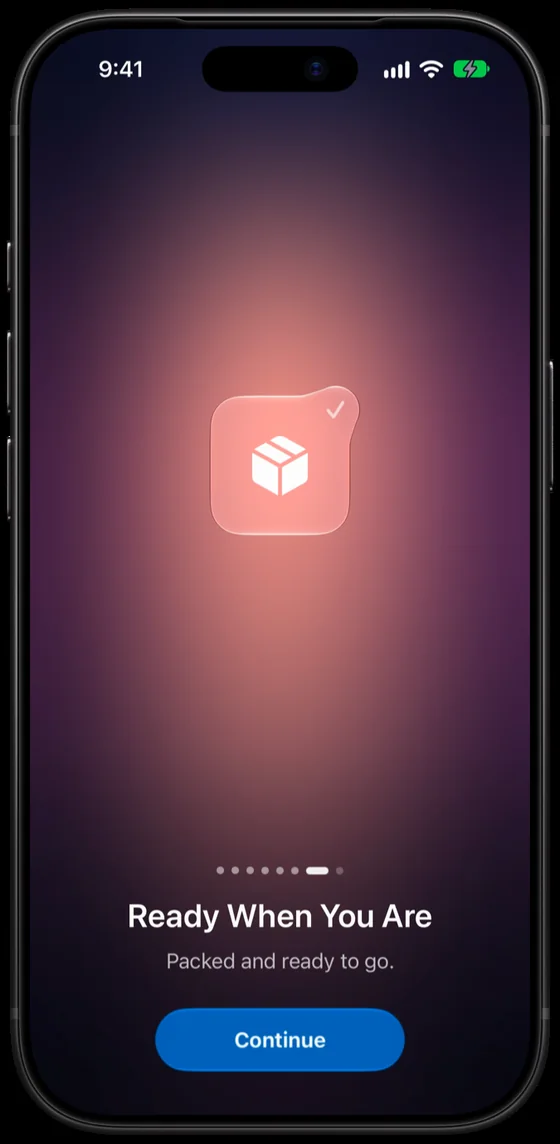
.icon Glass gathers into an app icon, which is polished and badged.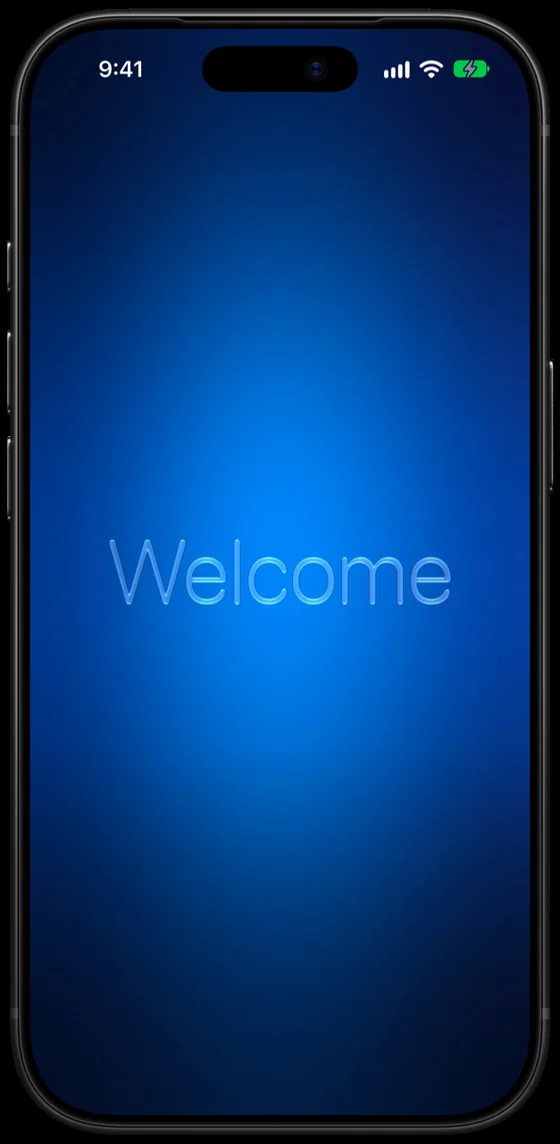
Two more. .greeting: the mark gathers into a pen and writes "hello" in glass. .card: your own SwiftUI view, on a card of glass.
Mac
The same intro on macOS.
One package and the same code for iOS and macOS, sized to the window.
New in 0.2
Easier to read. Easier to skip.
Version 0.2 adds Reduce Transparency and a Skip button, from community feedback. New options come with defaults, so existing code compiles unchanged.
Reduce Transparency.
The mark rests on a solid surface instead of frosted glass, each page shows one solid colour, and the buttons are opaque. Every colour keeps at least 7:1 contrast with the white text.
A Skip button.
Shows in the corner while the welcome plays, on iOS and macOS. showsSkipButton: false hides it and skipButton relabels it. VoiceOver's escape gesture skips too.
Skipping, defined.
Playing the welcome through or skipping it records it as seen. Quitting mid-welcome doesn't, so it plays again at the next launch.
Windows on Mac.
Close a window mid-intro, and the next window plays it from the start.
No hang in the background.
The launch no longer waits on an animation that never reports finishing while the app is in the background.
New guides.
SwiftUI and Metal, Testing on Devices and Making the Preview Video. Bug reports now use a form.
Get started
In Xcode, choose File › Add Package Dependencies, enter the repository URL, and add GlassIntroKit to your app. Then put one modifier on your root view.
OrbitApp.swift
import GlassIntroKit
import SwiftUI

@main
struct OrbitApp: App {
    var body: some Scene {
        WindowGroup {
            ContentView()
                .glassIntro(
                    appName: "Orbit",
                    pages: [
                        .greeting("Welcome to Orbit", message: "Plan trips with the people you travel with."),
                        .symbols("Everything in Reach", message: "Maps, photos, and notes gather around each trip."),
                        .icon("Ready When You Are", message: "Packed and ready to go."),
                    ]
                )
        }
    }
}
Frame-by-frame tests.
Every page is played after every other page; any frame that jumps fails.
Accessible.
Reduce Motion, Reduce Transparency, keyboard and VoiceOver support.
Private.
No network requests; one Boolean in UserDefaults.
Specs
- Version
- 0.2.0 Release notes
- Platforms
- iOS 26 or later, macOS 26 or later
- Swift
- Swift 6.3 or later, Swift 6 language mode
- Install
- Swift Package Manager:
https://github.com/Jiaxu-Li/GlassIntroKit.git, from0.2.0 - Dependencies
- None
- Built-in text
- English. Titles and messages are localized from your app's string catalog.
- Demo app
- Included, for iOS and macOS. Try every option without writing code, and copy the code it writes for you.
- License
- Apache 2.0