Tutorial
The complete beginner workflow: from creating a project to a multi-scene interactive prototype, then device testing, 3D and export.

A visual app engine.
Build interface, logic, 3D and spatial experiences in one place, then take them all the way to Xcode.
OpenReality brings interface design, app logic, 3D scenes and spatial interaction into a single visual workspace, and turns them into real, native projects for iPhone, iPad, Mac and Apple Vision Pro that keep growing in Xcode.
You work directly with scenes, entities, variables and commands, see the result as you go, and export a standalone project when it is ready for more. It is built on its own runtime, OpenReality Engine, so what you build is a working app, not a mockup.
Interface
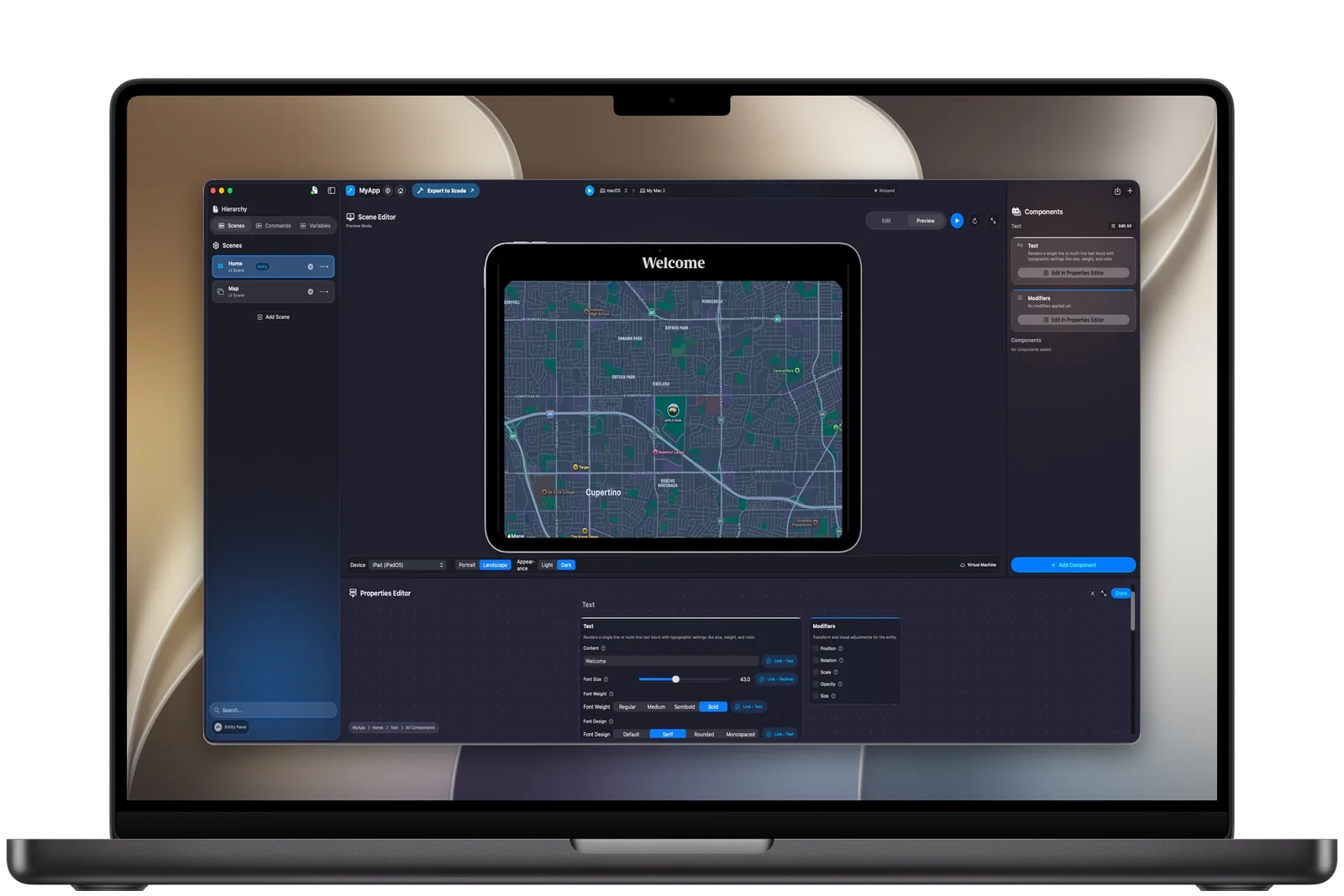
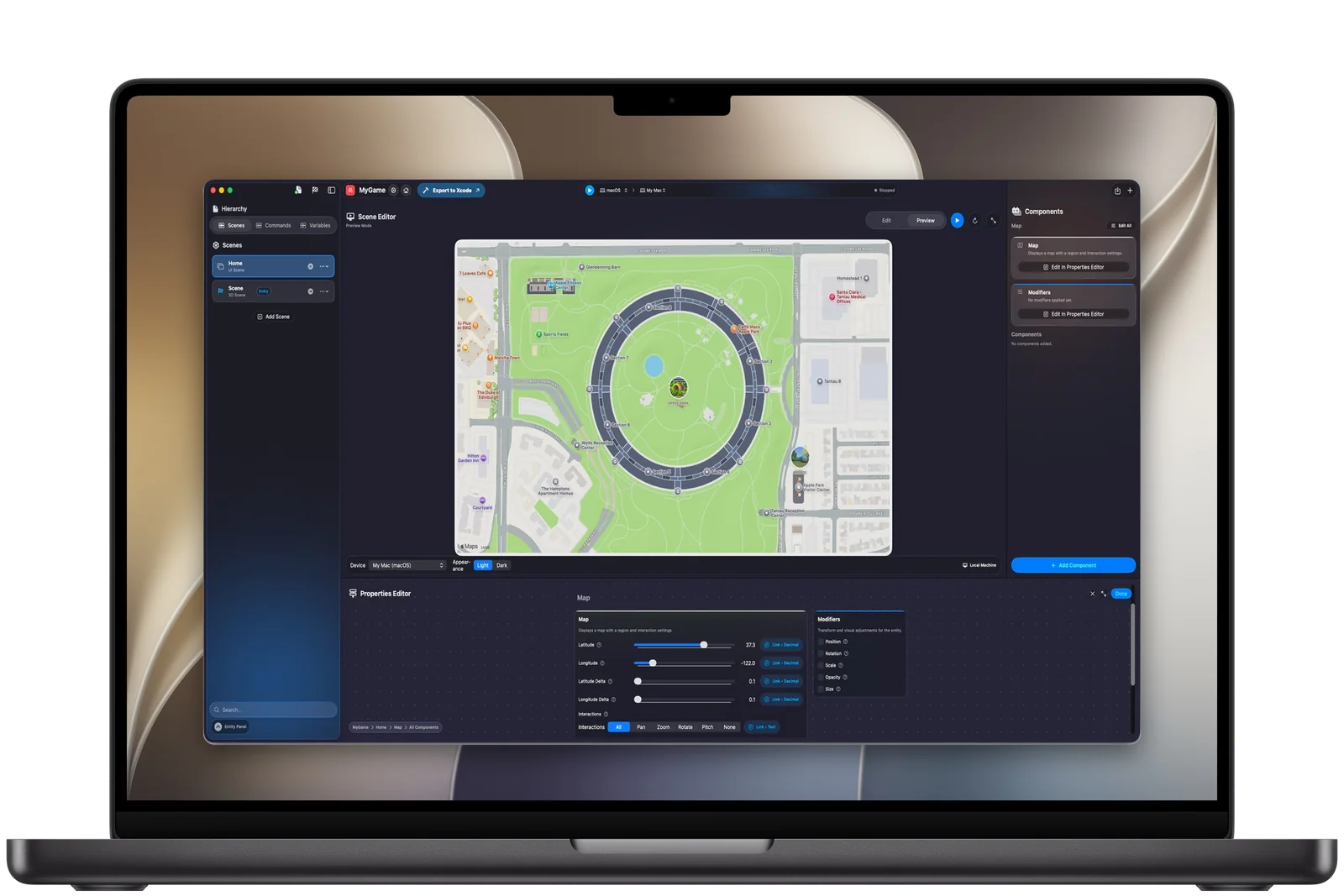
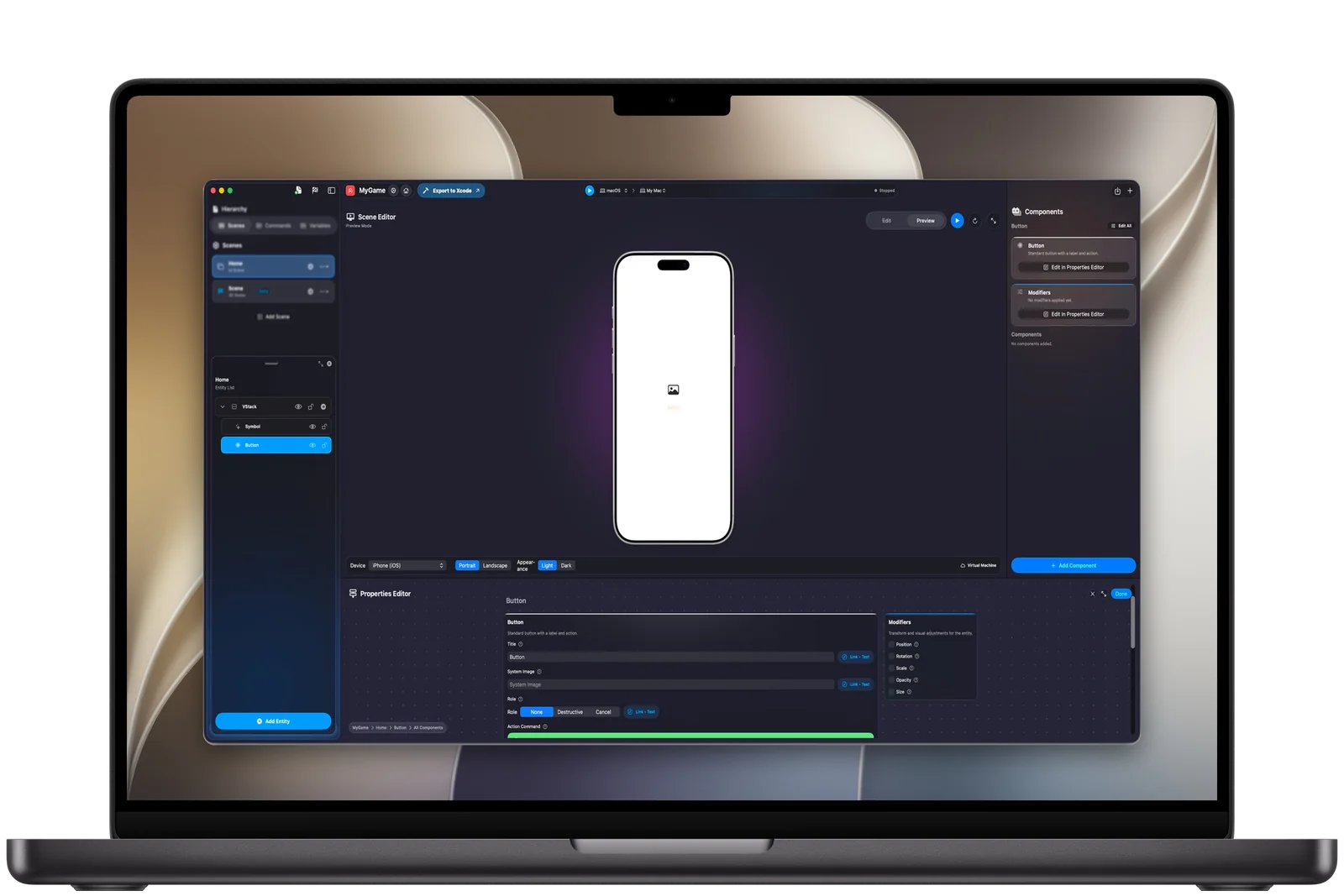
Build interfaces from native modules such as stacks, text, buttons, images, maps, video and navigation, and organize them across many scenes. No foundation code to write before you can see your idea.
Logic
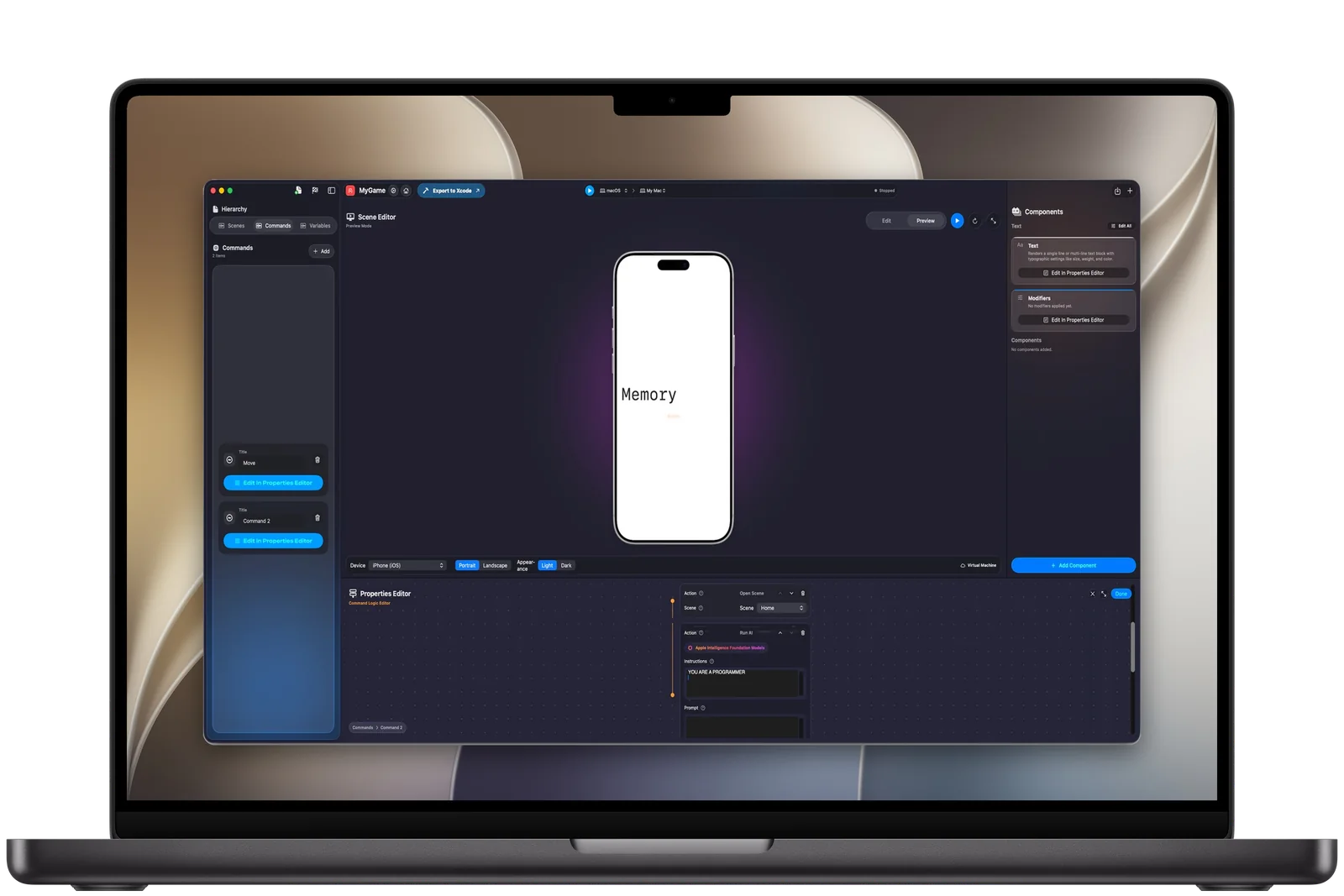
Use variables and commands to drive the app. Structure state, events and responses visually, and save custom native work for where it actually matters.
This one moves a 3D model to a new position over ten seconds with an ease-out curve. Other steps switch scenes, set variables, branch, compare, loop, do math, share, record audio, take photos, read sensors, recognize speech and run AI actions.
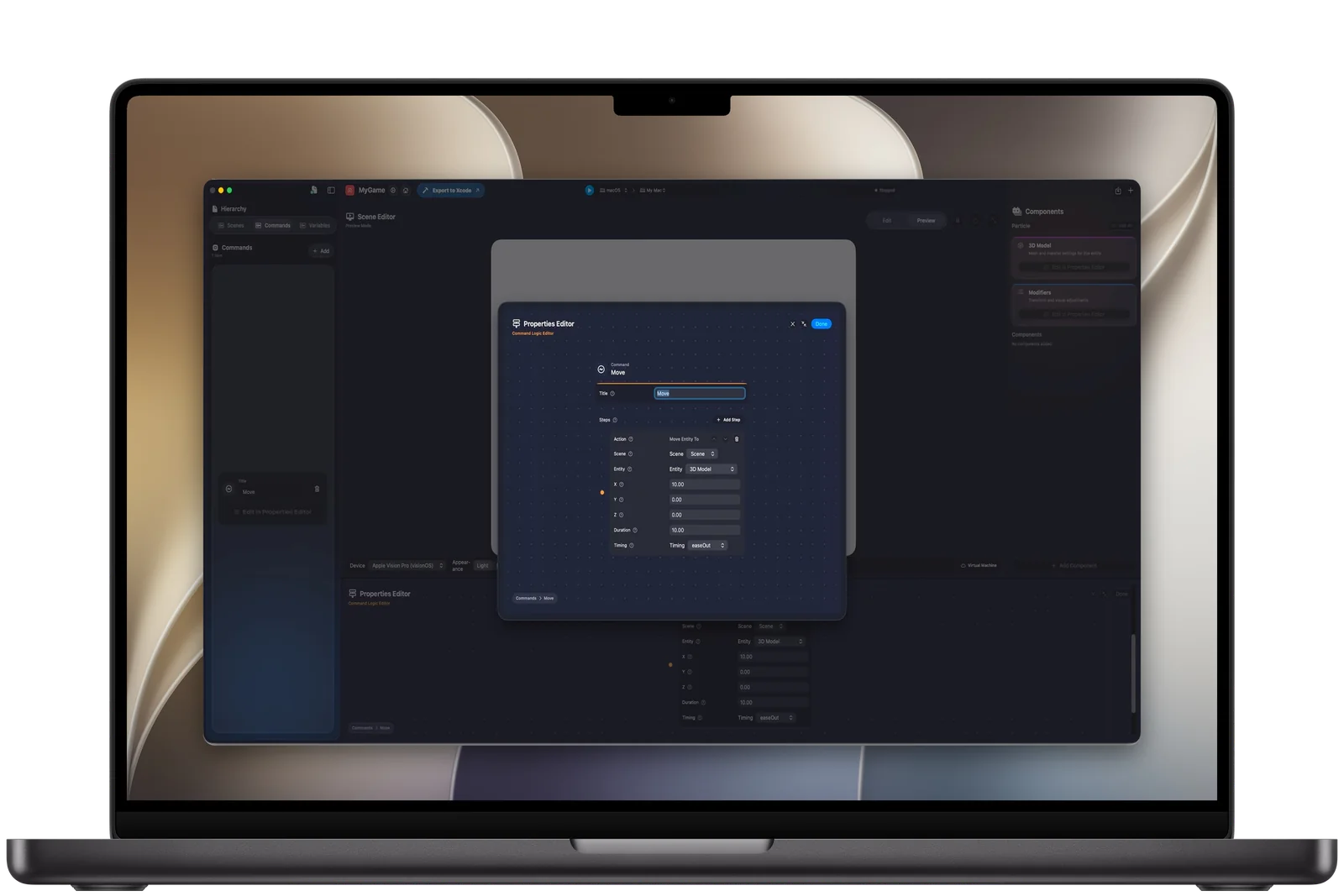
The whole app: its information, scenes, variables and commands.
A screen or a space. A project has many scenes and one entry scene.
A node inside a scene that holds modules, modifiers, components and 3D content.
Runtime data: text, numbers, Booleans, colors, images, video or audio.
Behavior: switch scenes, update variables, run logic, use device features and control 3D content.
The runtime, interaction layer, rendering structure and Swift-facing execution model that read these five and run the app.
3D and Spatial
Add models or primitives, set materials, and move, rotate, scale or animate entities with the same commands you use for the interface. For Apple Vision Pro, create windowed and immersive experiences with the interaction patterns visionOS is built around.
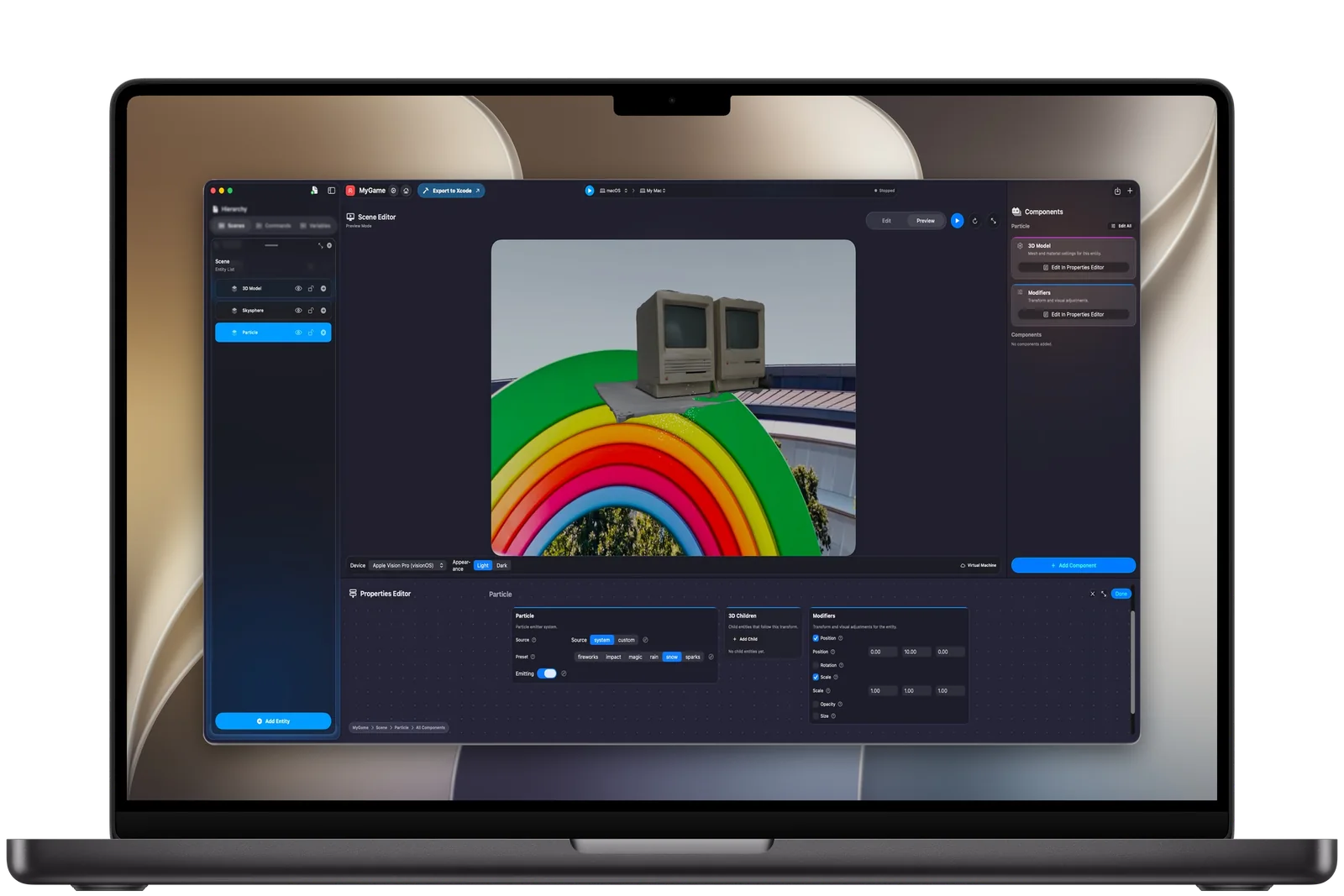
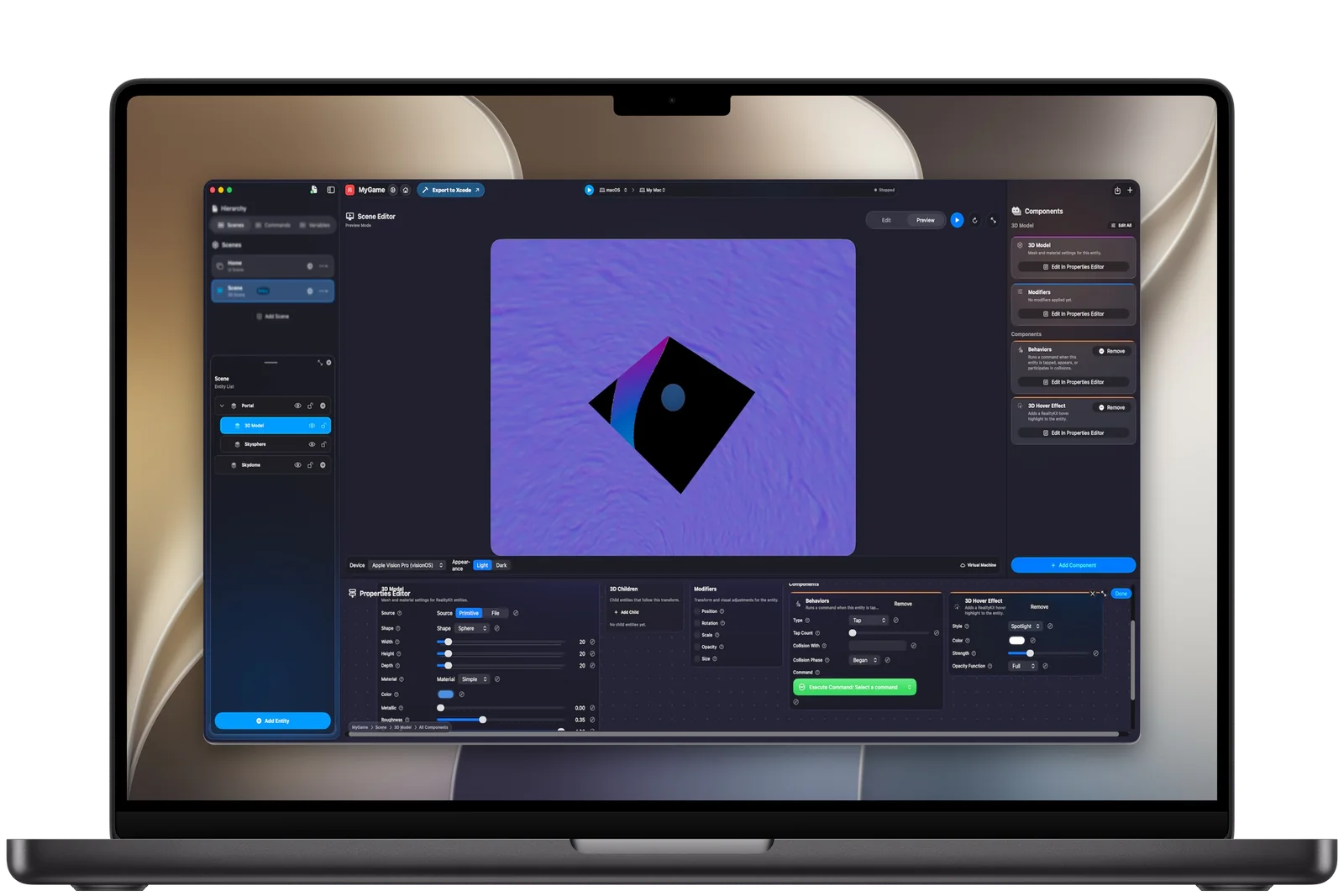
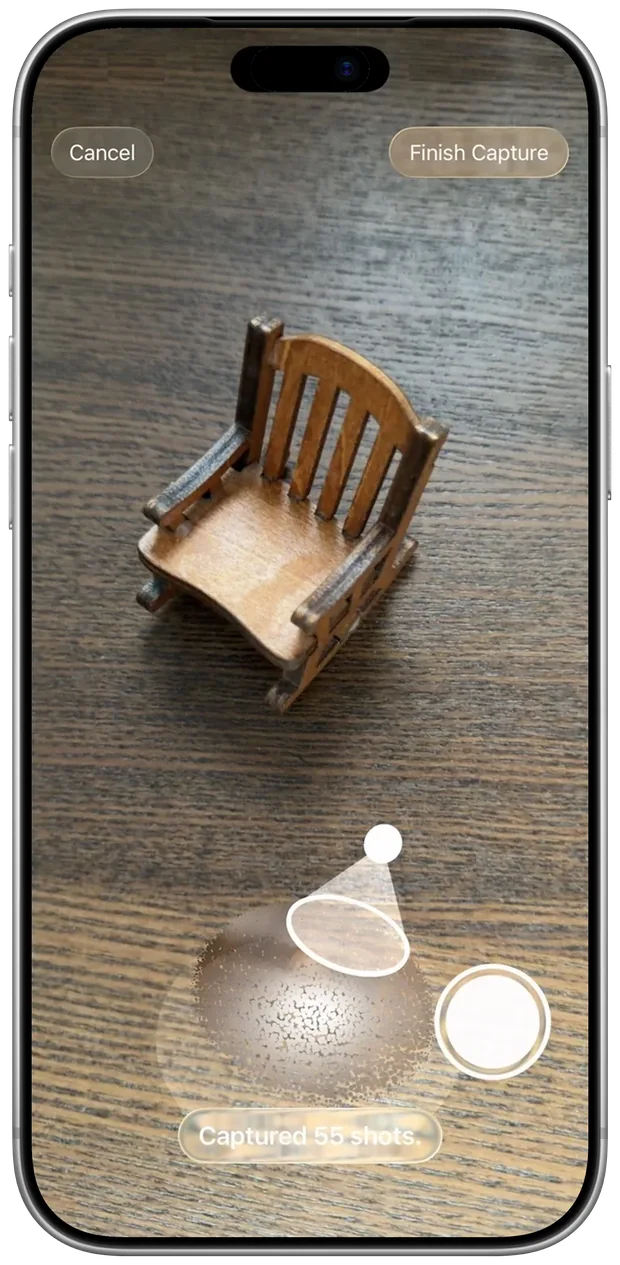
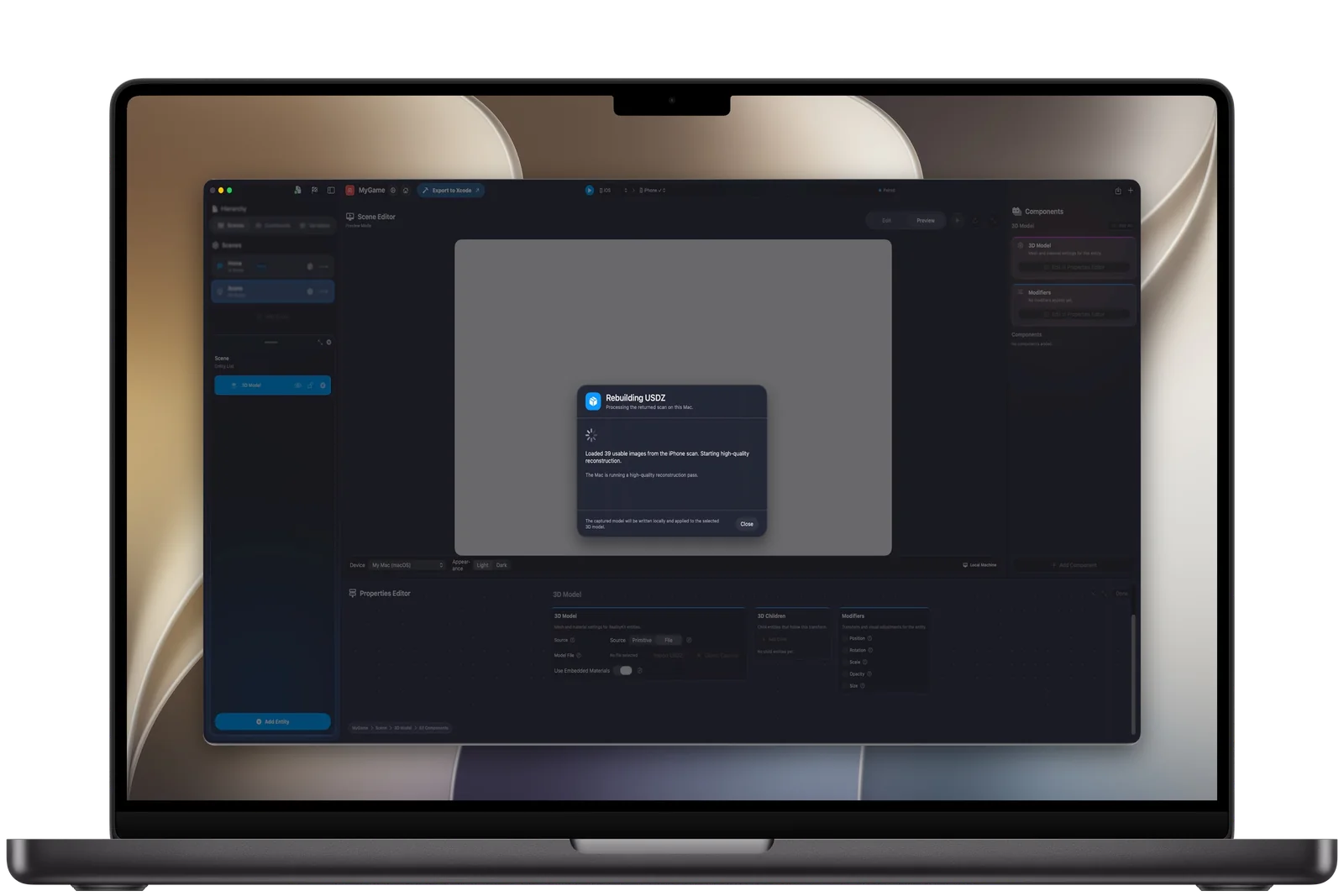
With Object Capture, real things become 3D assets in your project.
Devices
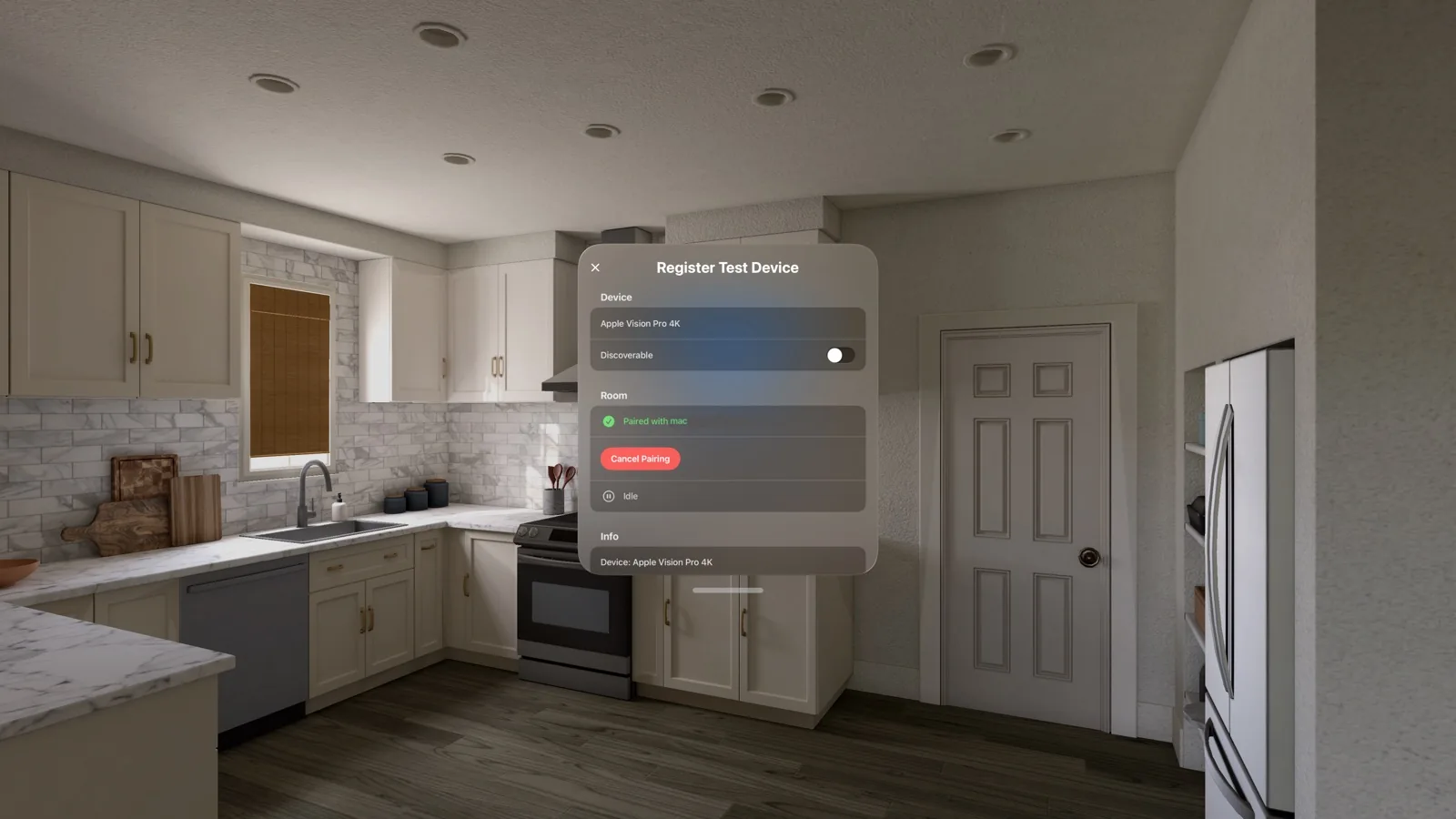
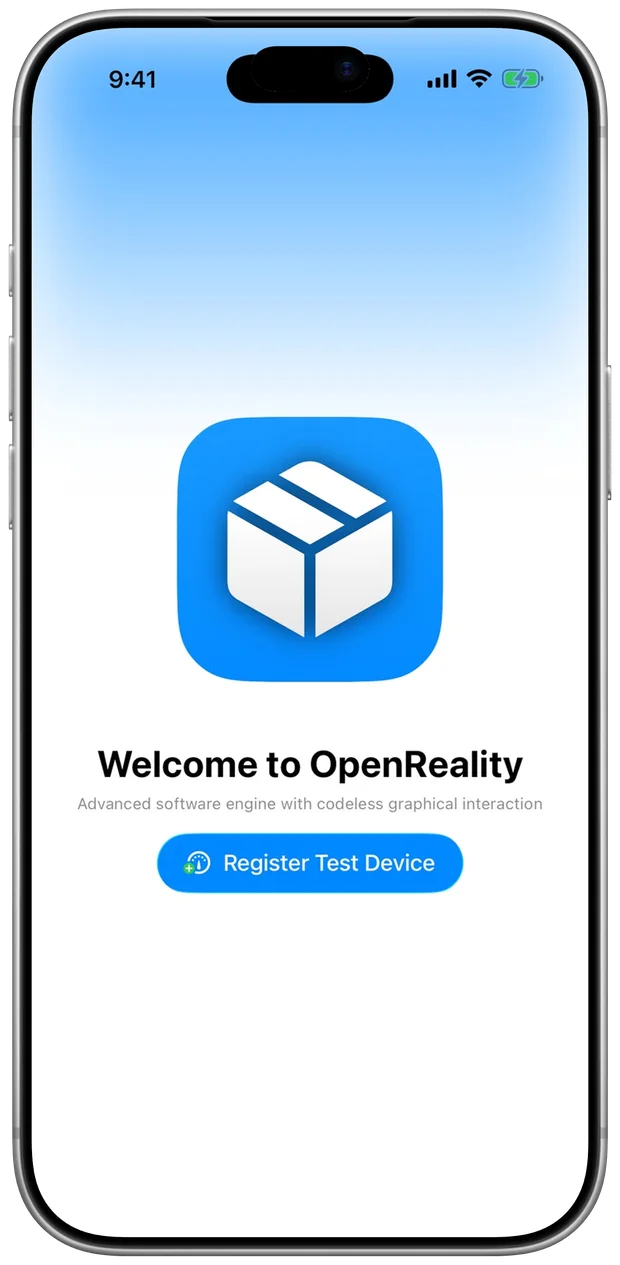
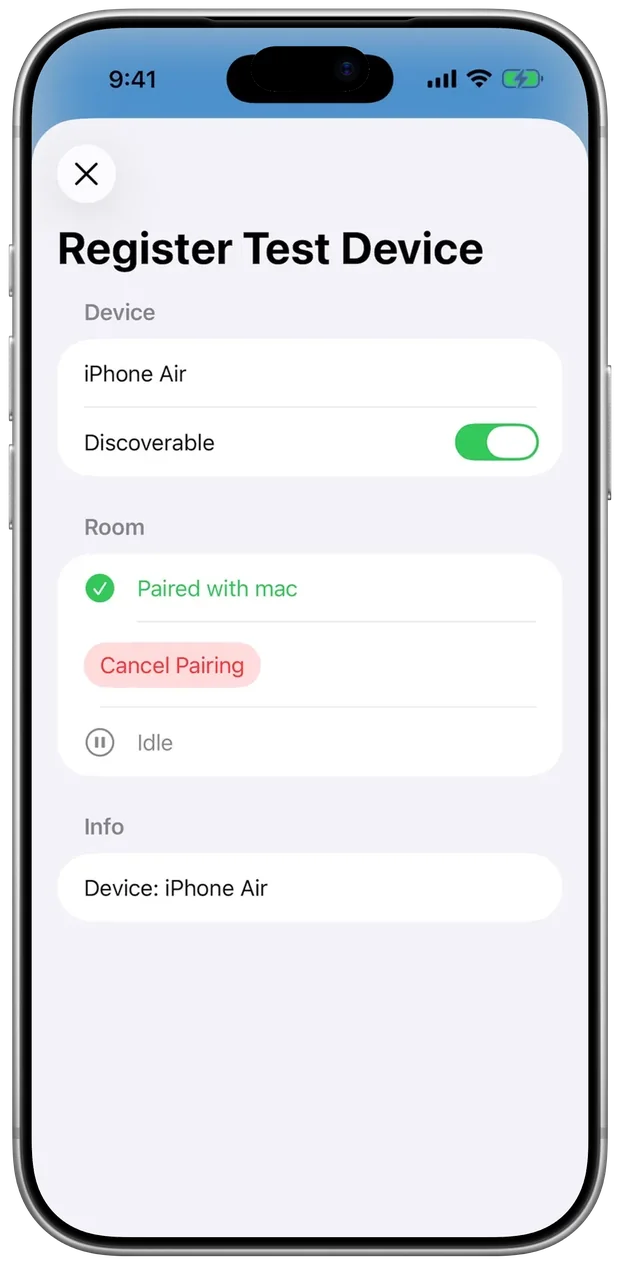
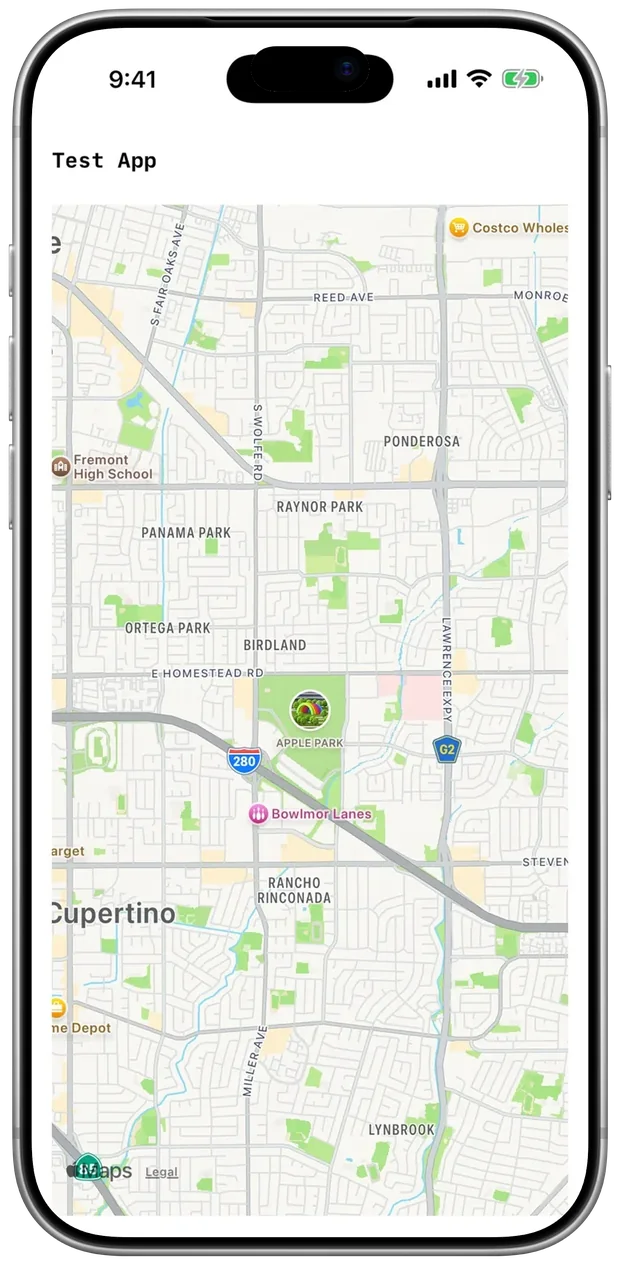
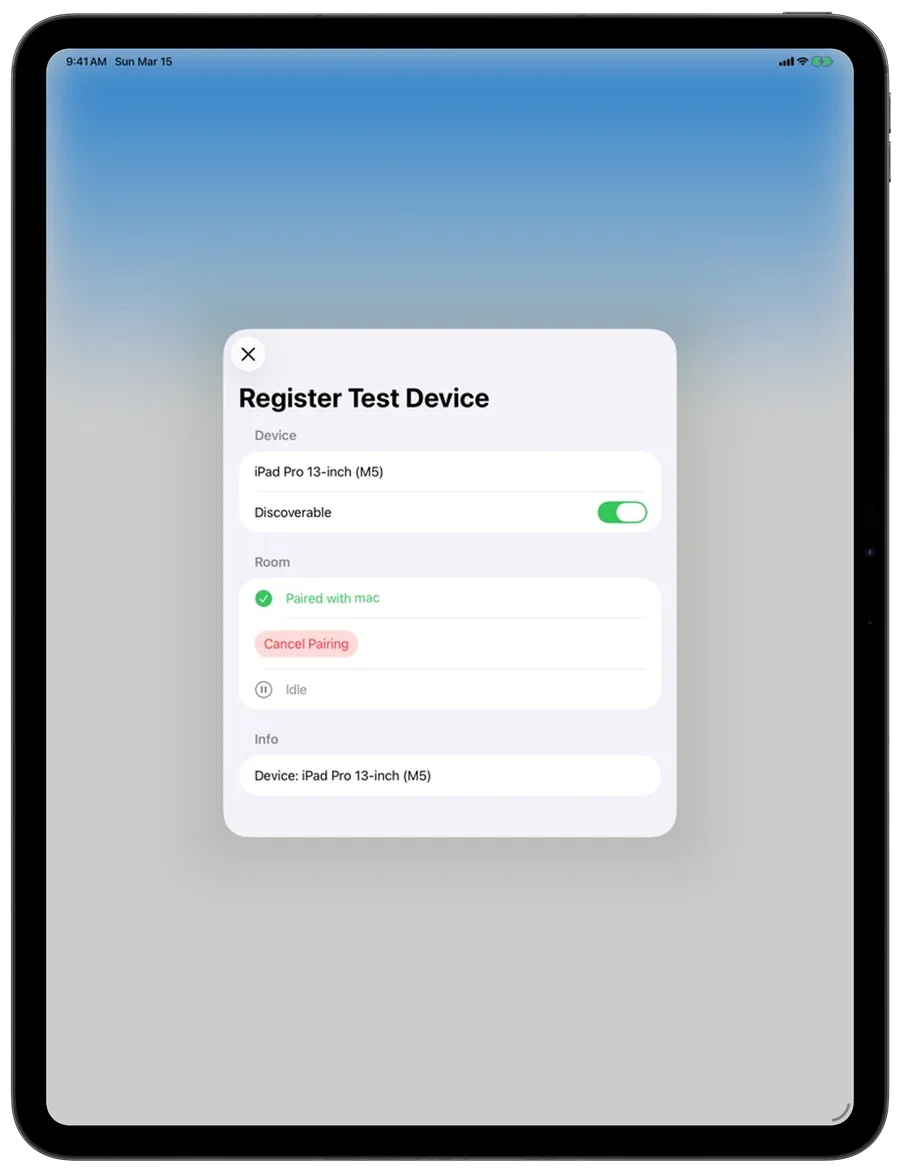
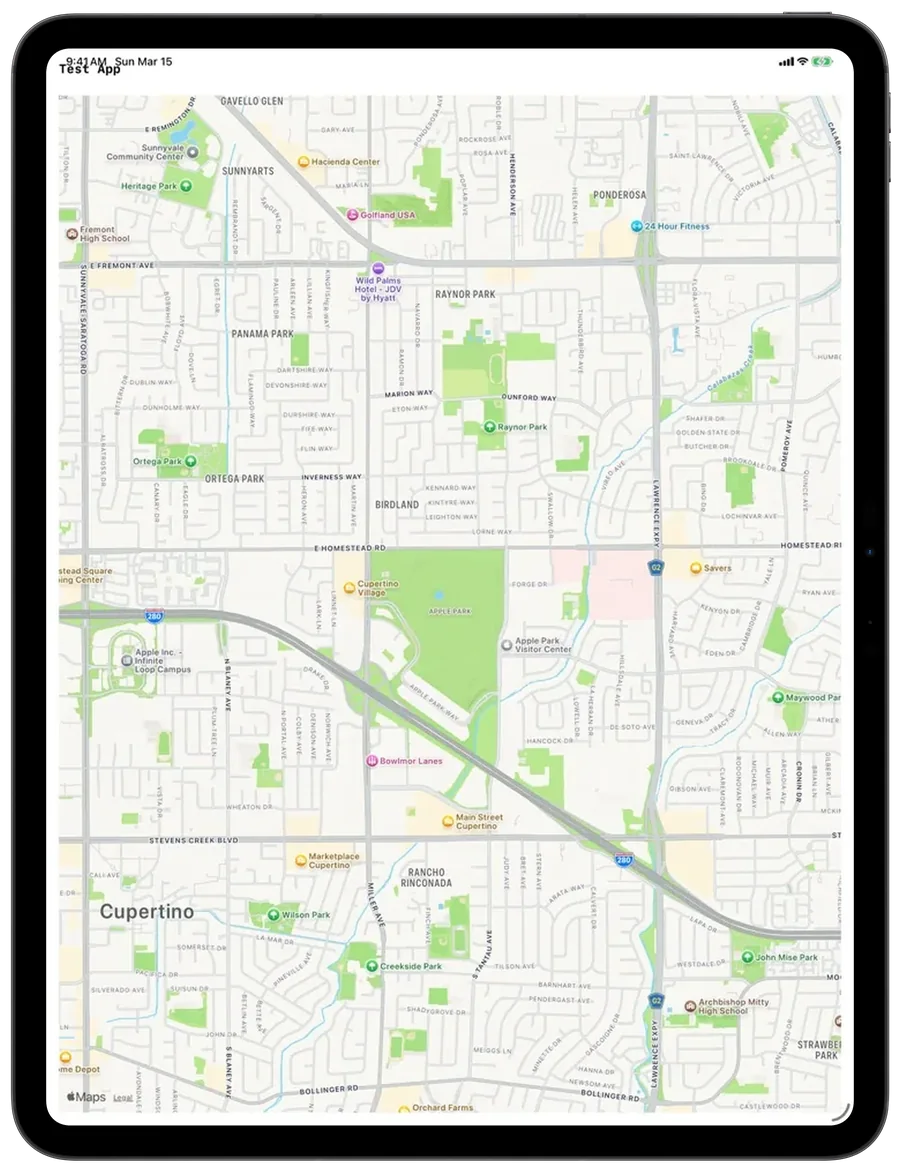
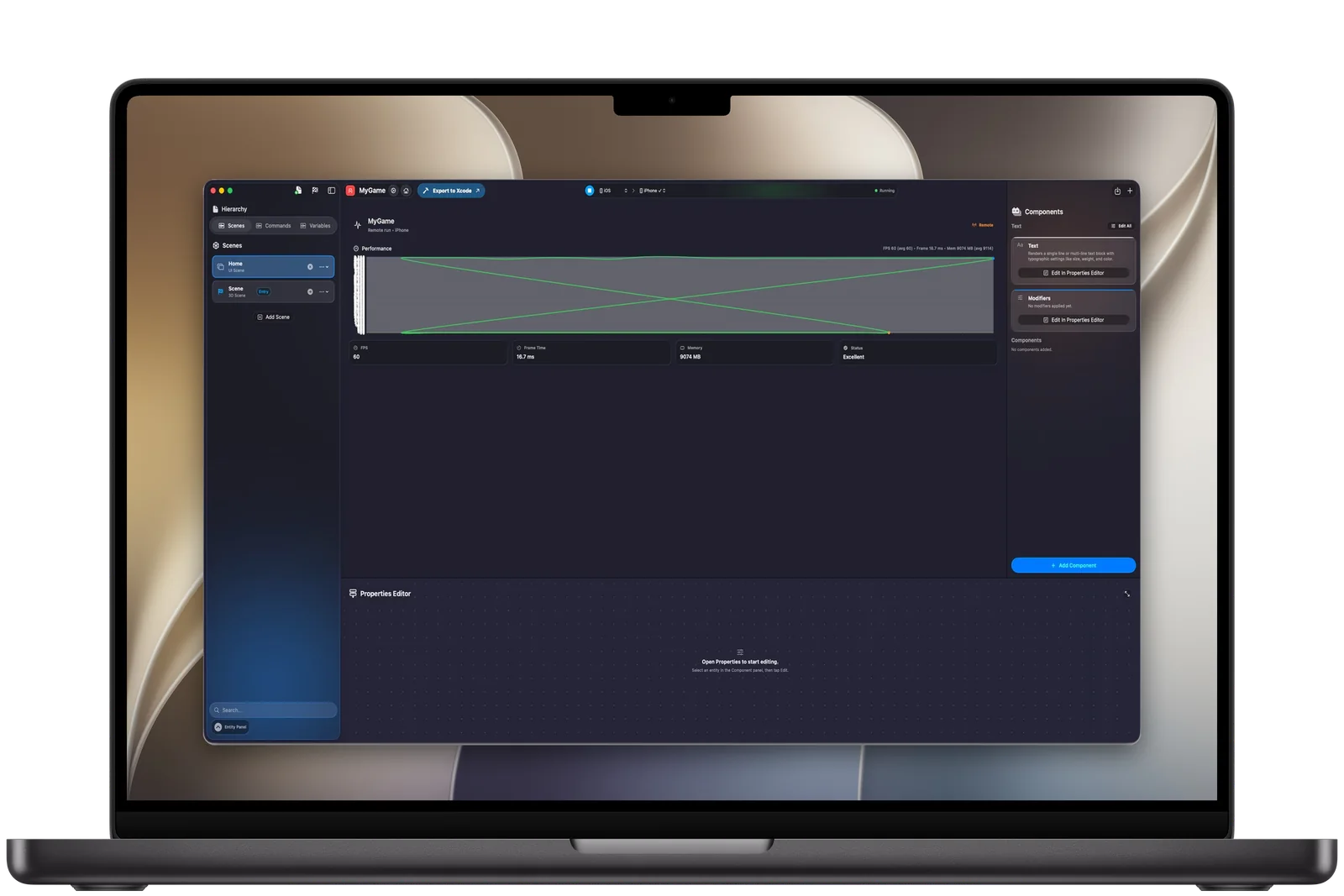
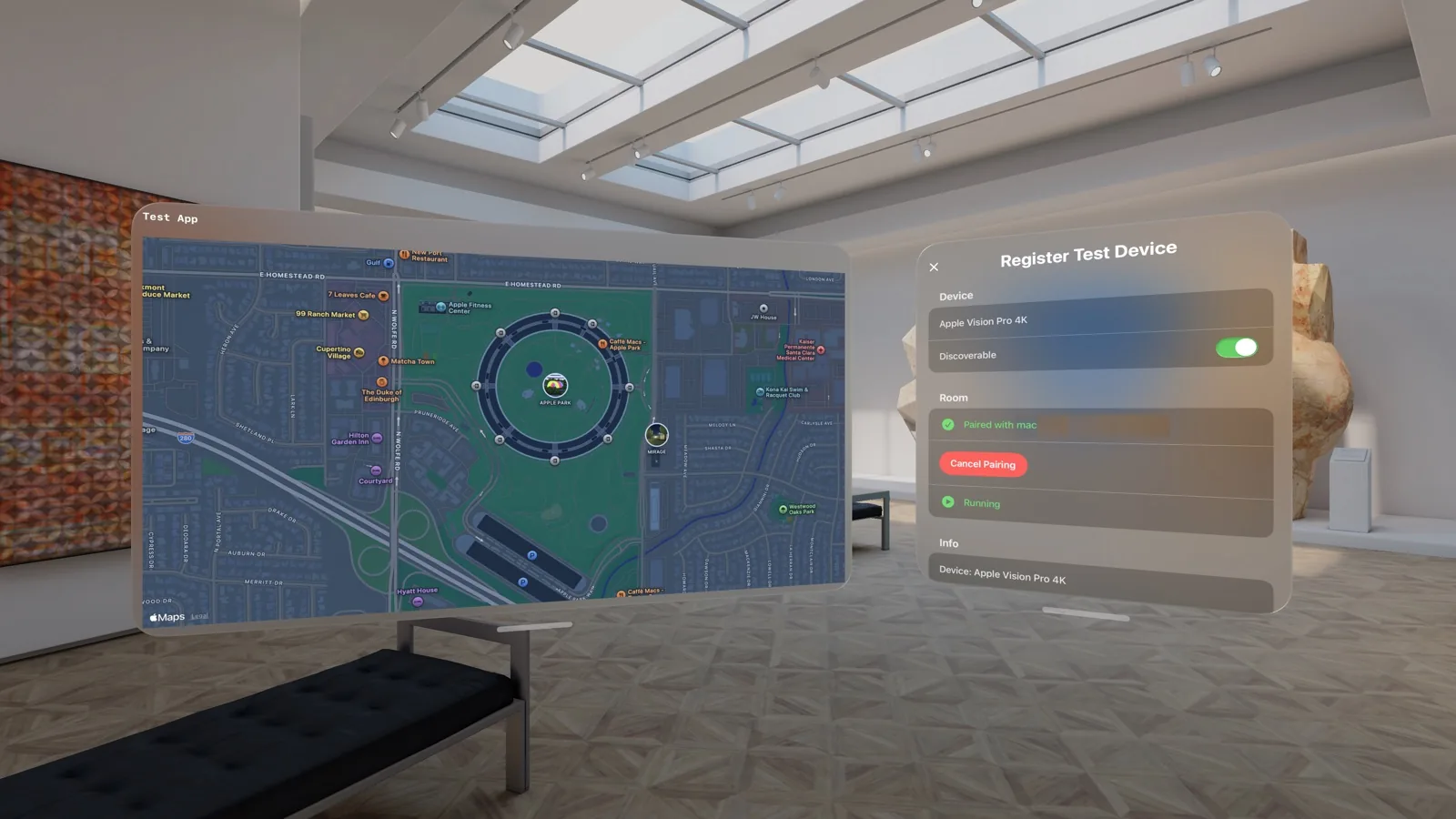
Pair a nearby iPhone, iPad or Apple Vision Pro over the local network, press Run, and the runtime plays your project on the device. Every change shows up as you make it.
Xcode
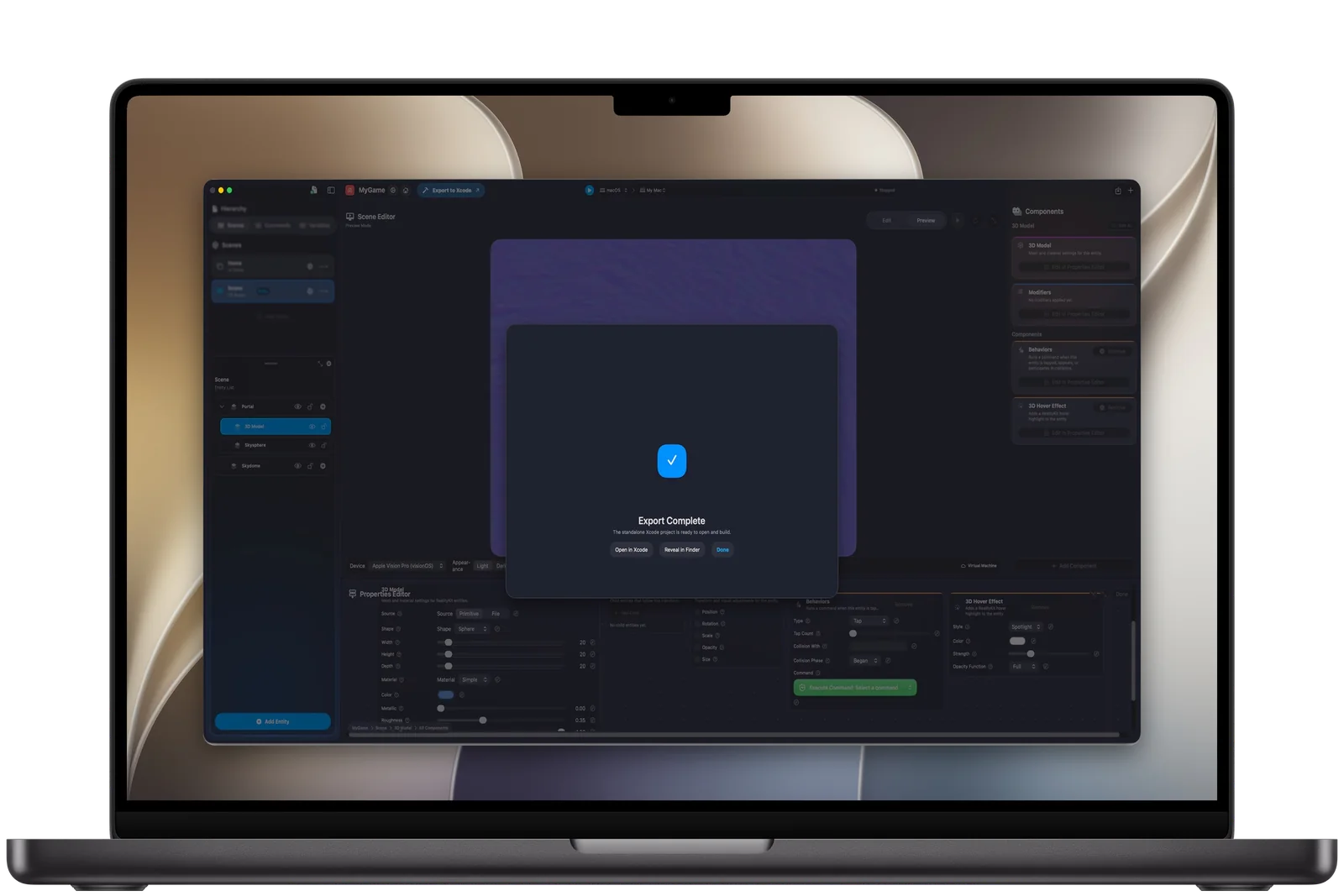
When a project needs custom native work, export a standalone Xcode project for native Swift development and release. Speed at the start, without giving up flexibility later.
Learn
The complete beginner workflow: from creating a project to a multi-scene interactive prototype, then device testing, 3D and export.
A small, complete app with two screens, text input, state and navigation, built from scratch.
No. Interface, logic, 3D and spatial scenes are all built visually. When you want to write Swift, export the project to Xcode and continue there.
The editor runs on a Mac with Apple silicon. iPhone, iPad and Apple Vision Pro run your projects for testing once they are paired with the Mac over the local network.
An app entry point, the OpenReality runtime, a snapshot of your project, its resources and settings for each platform. It builds and ships like any other Xcode project.
Creators, designers, founders, developers and studios who want to turn ideas into runnable apps quickly, including for Apple Vision Pro, and still end up with native software.