
MemoryCard
Say hello to spatial memories.
Turn photos and videos into elegant, collectible cards. On Apple Vision Pro, watch them step into your space.
The idea behind MemoryCard
“For a long time, I have had an idea: if one day pictures were no longer just one-way output, but could be touched, interacted with and fed back in space as input, that would be real memory.”
MemoryCard is an answer to that question. Cards give structure, space adds presence, and touch deepens understanding. It is not just another gallery.
Cards
A calmer way to remember.
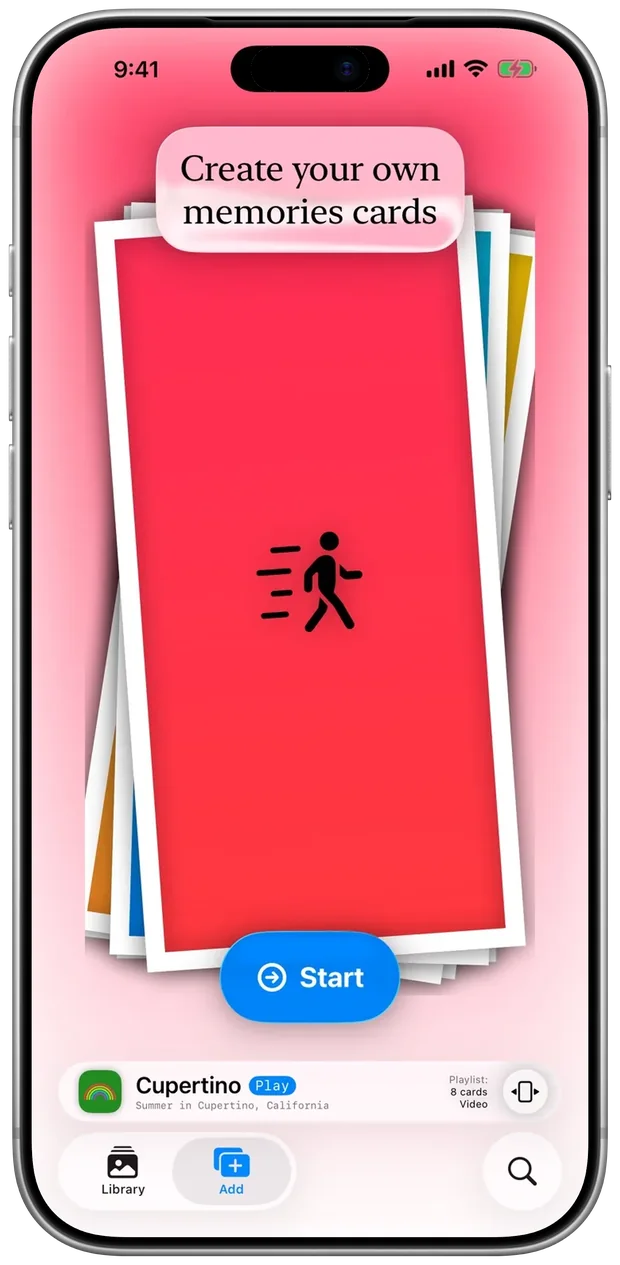
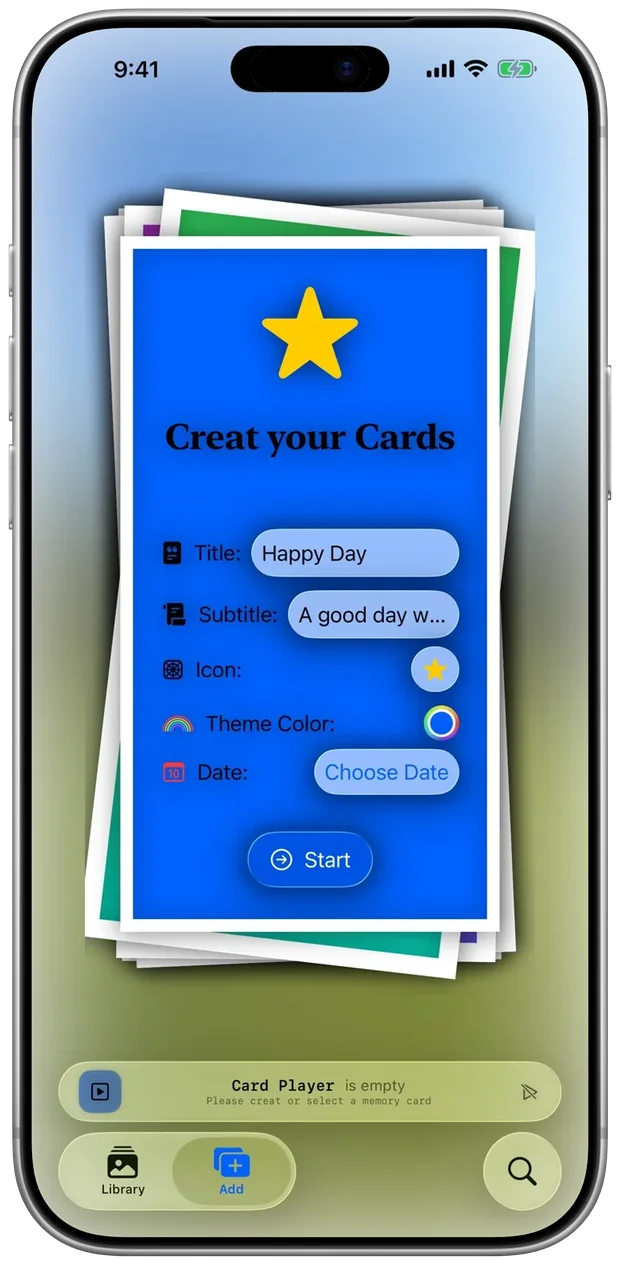
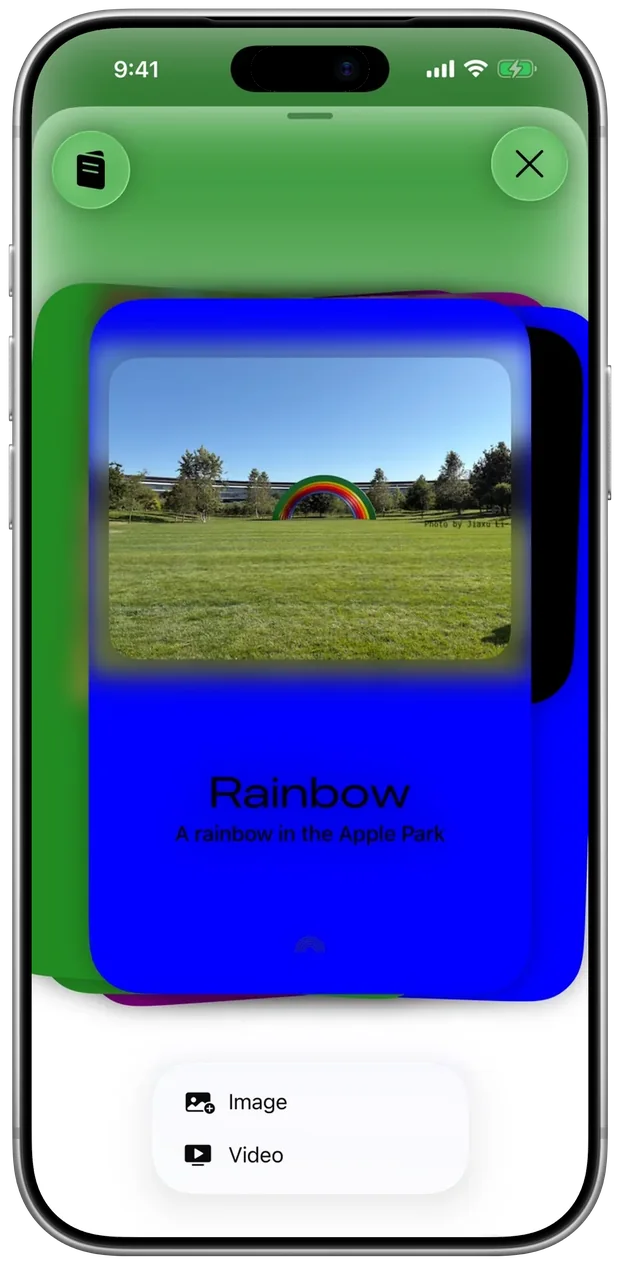
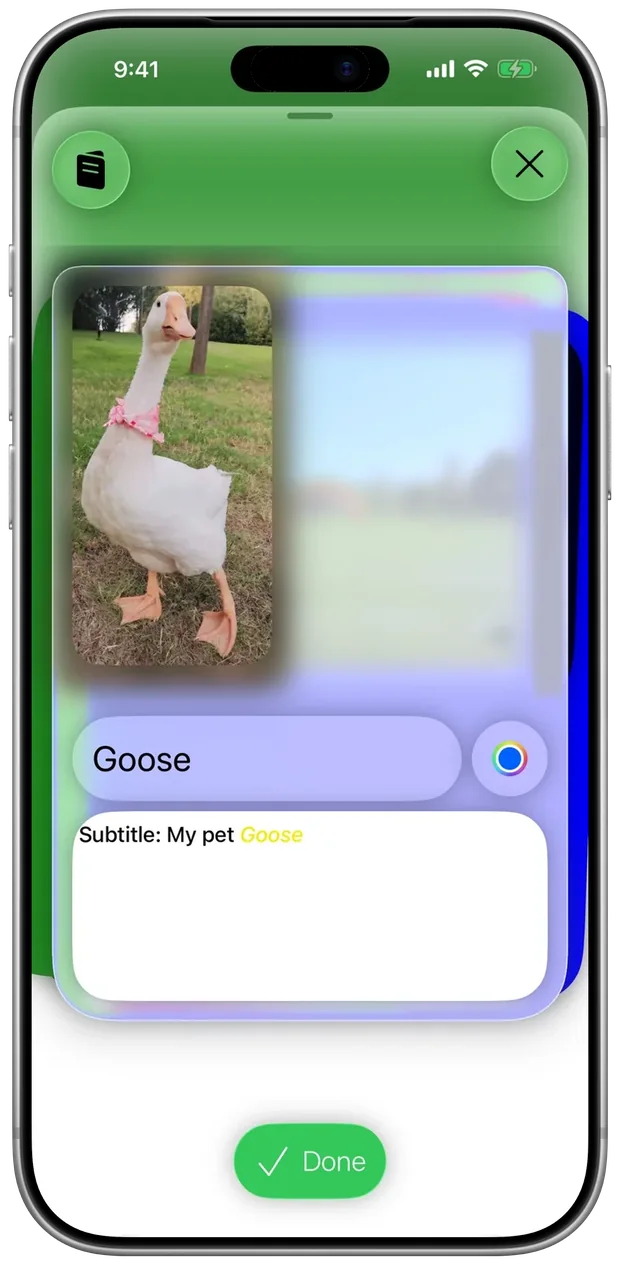
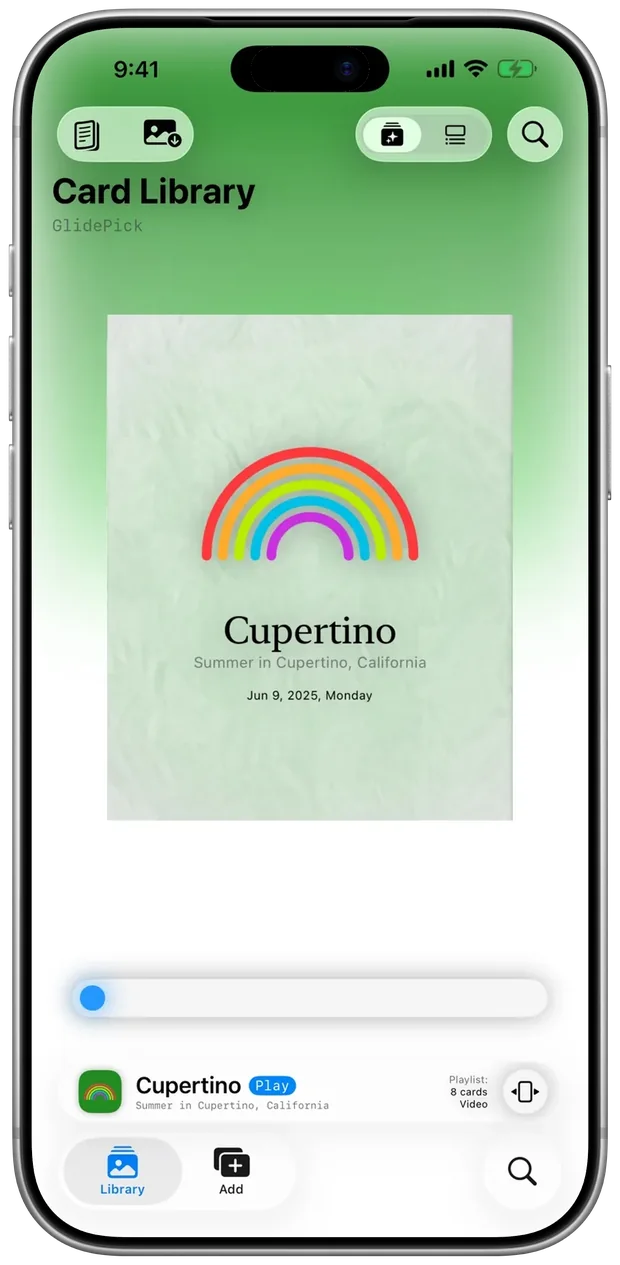
Create beautifully crafted cards that combine text, photos and video. Browse quickly, or open one card and relive the details at your own pace.
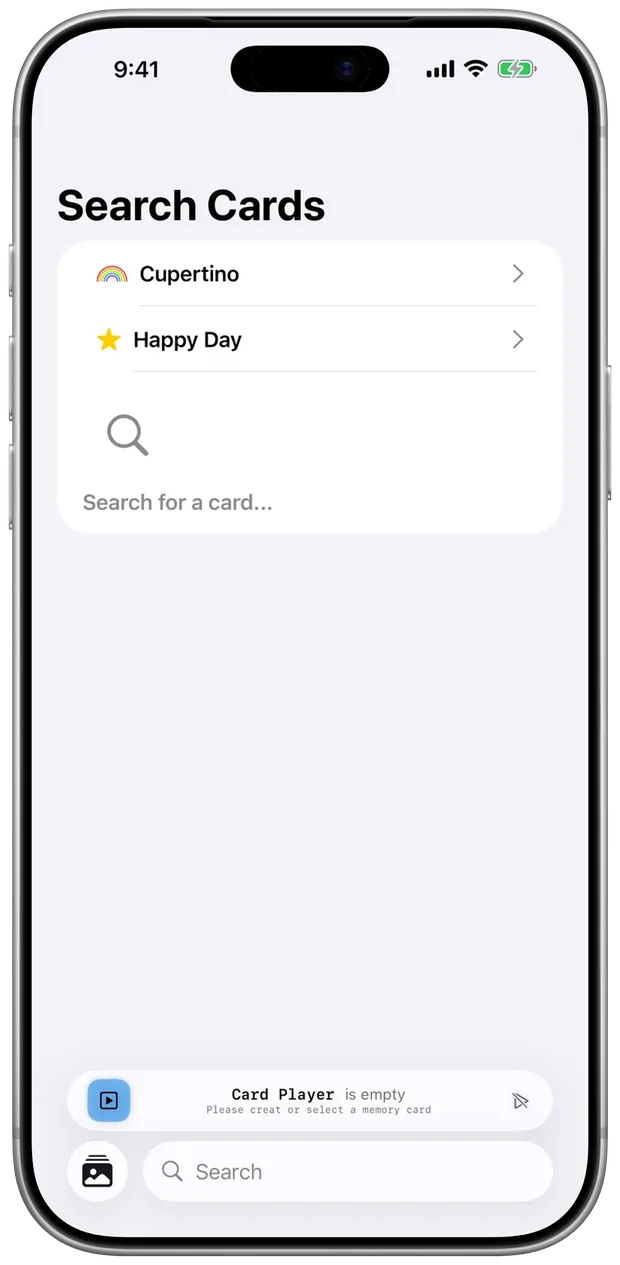
GlidePick
Press, glide, preview, open.
Press and glide to slide across your cards. Preview left and right, then swipe up to open. Fast, intuitive and delightfully tactile.
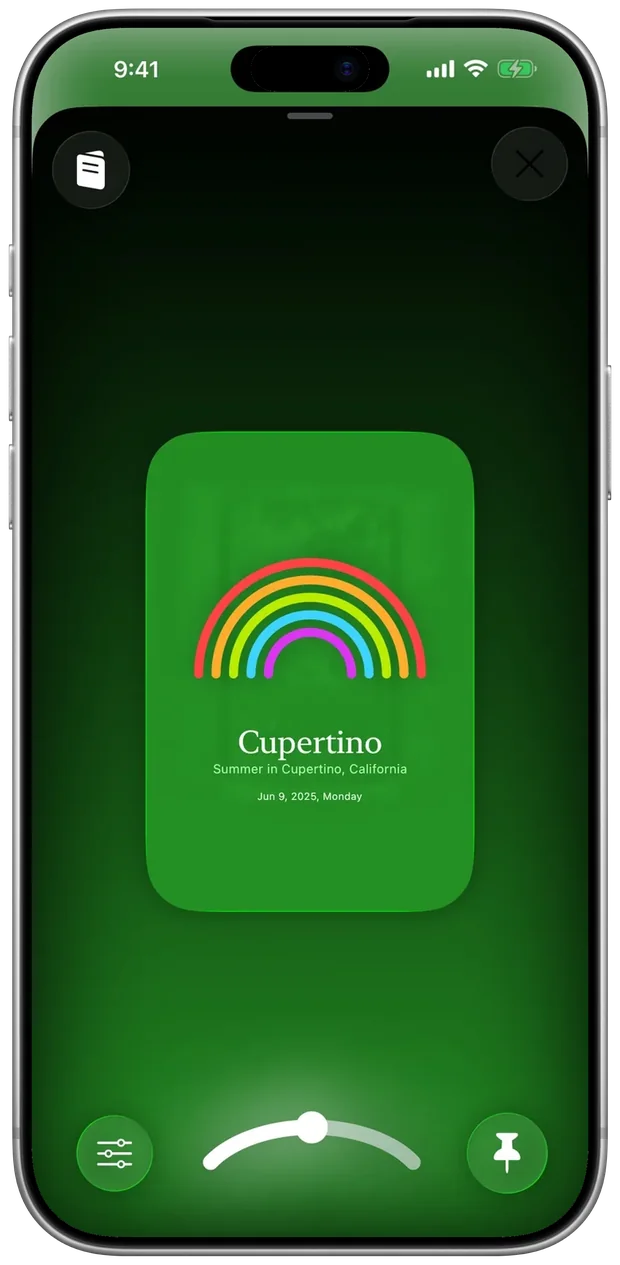
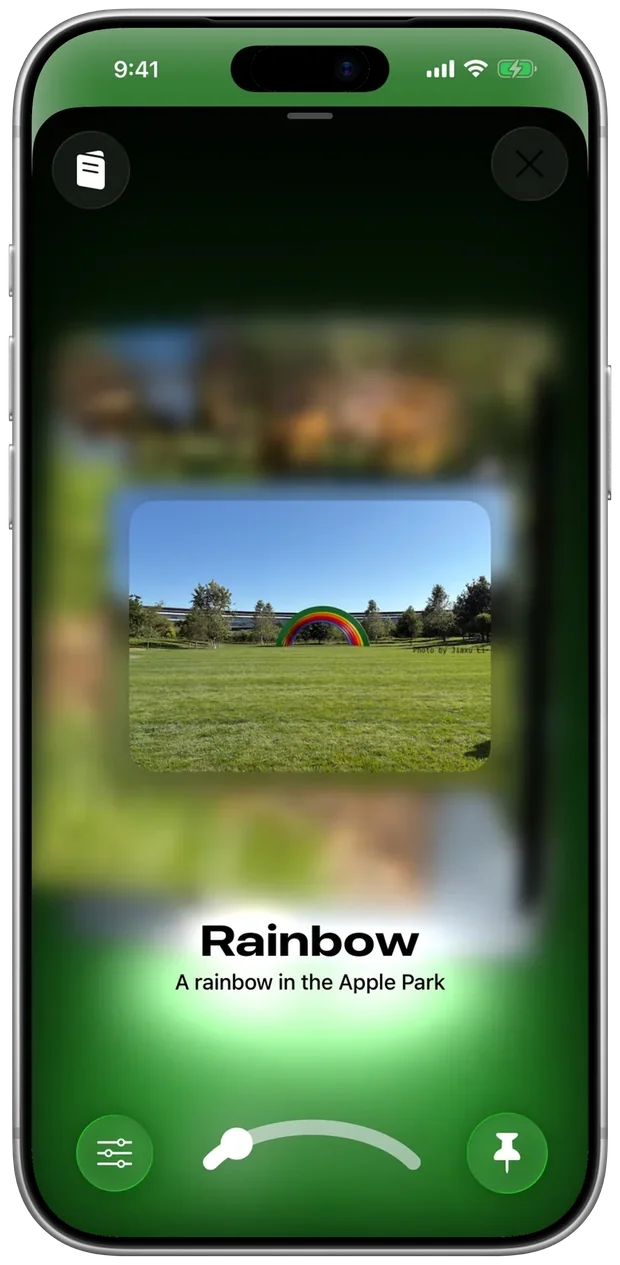
Liquid Glass.
A translucent surface floats above a colorful backdrop, keeping your content front and center with gentle depth, comfortable over long sessions.
Play your cards.
Stack cards and play them like a short reel. Tap to advance, or let it play for a calm recap.
Delightful motion.
Micro-interactions glide without distracting, and motion follows your Reduce Motion setting.
Accessibility
Feel distance in a picture.
HapticVision maps spatial distance to touch, like a tactile relief. VoiceOver, Dynamic Type and Reduce Motion are supported throughout, and Spoken Content reads your cards aloud.
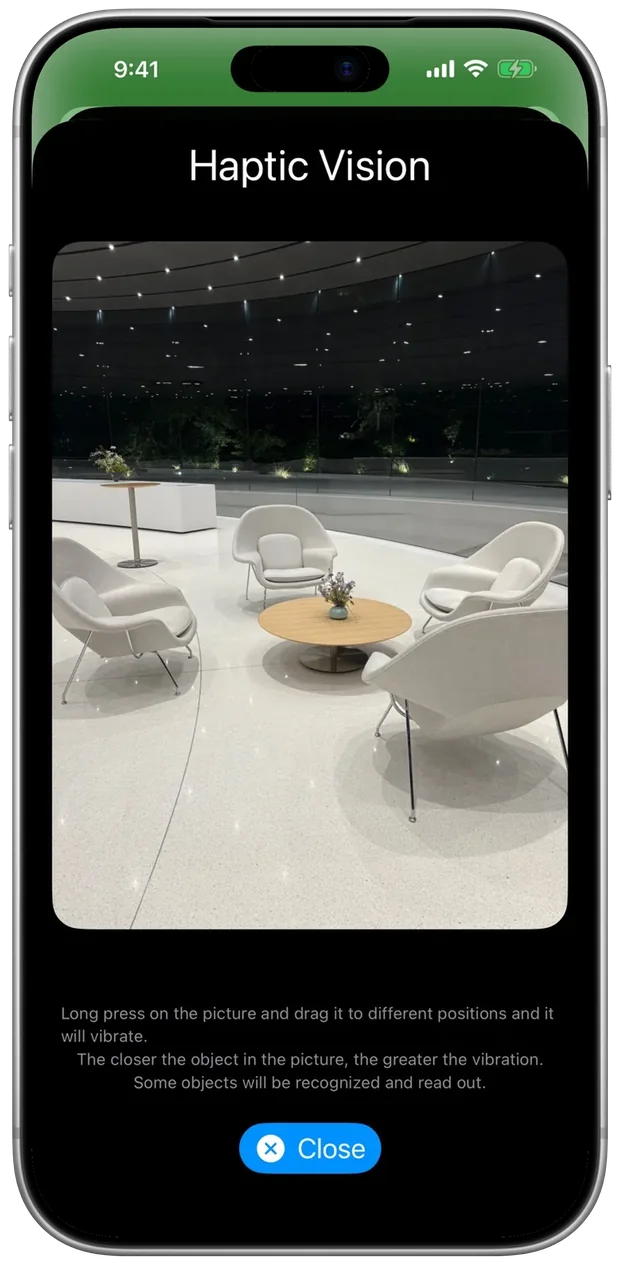
Open a card and tap Haptic Vision. The photo becomes something you can read with your finger.
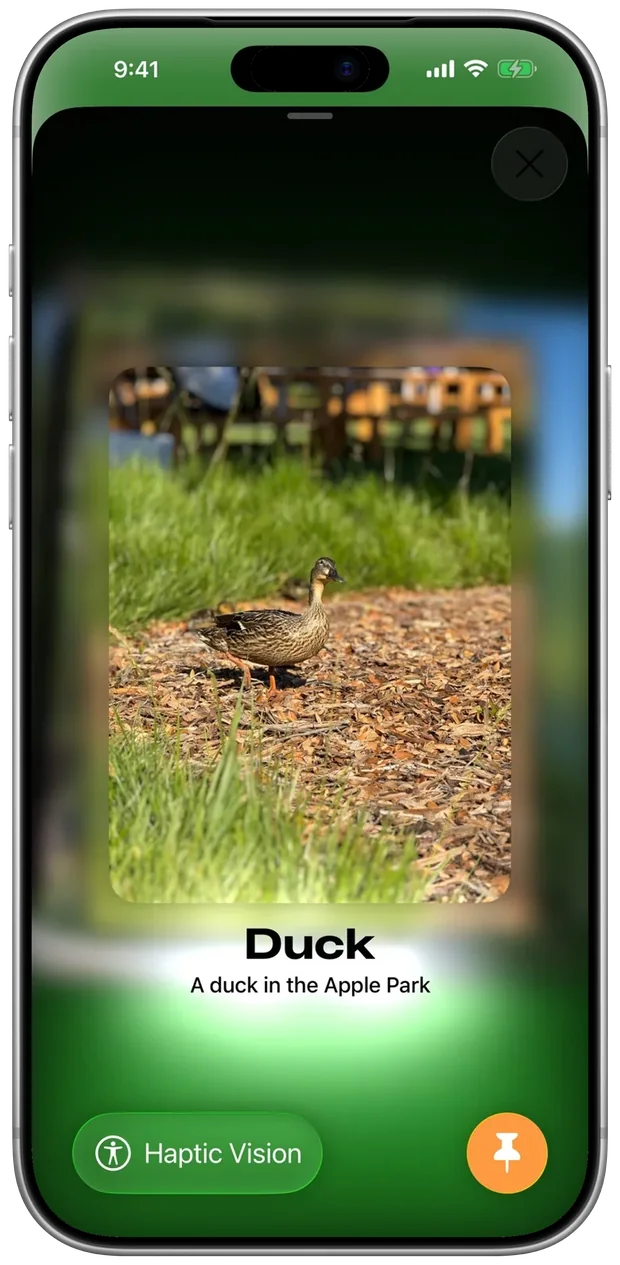
Long-press the picture and drag. The closer the object, the stronger the vibration. Some objects are recognized and read aloud.
Also supported: VoiceOver, Voice Control, Larger Text, Dark Interface, Differentiate Without Color Alone, Sufficient Contrast, Reduce Motion and Audio Descriptions.
Apple Vision Pro
More spatial on Apple Vision Pro.
LiveSpatial and Recollections make spatial feel simple. Lean in, walk around, and let presence do the rest.

LiveSpatial.
Characters and pets seem to step out of photos and stand in your space.

Recollections.
A cinema-like, immersive environment with rich depth and presence. Scroll gently through scenes, or open one and be surrounded by its details.
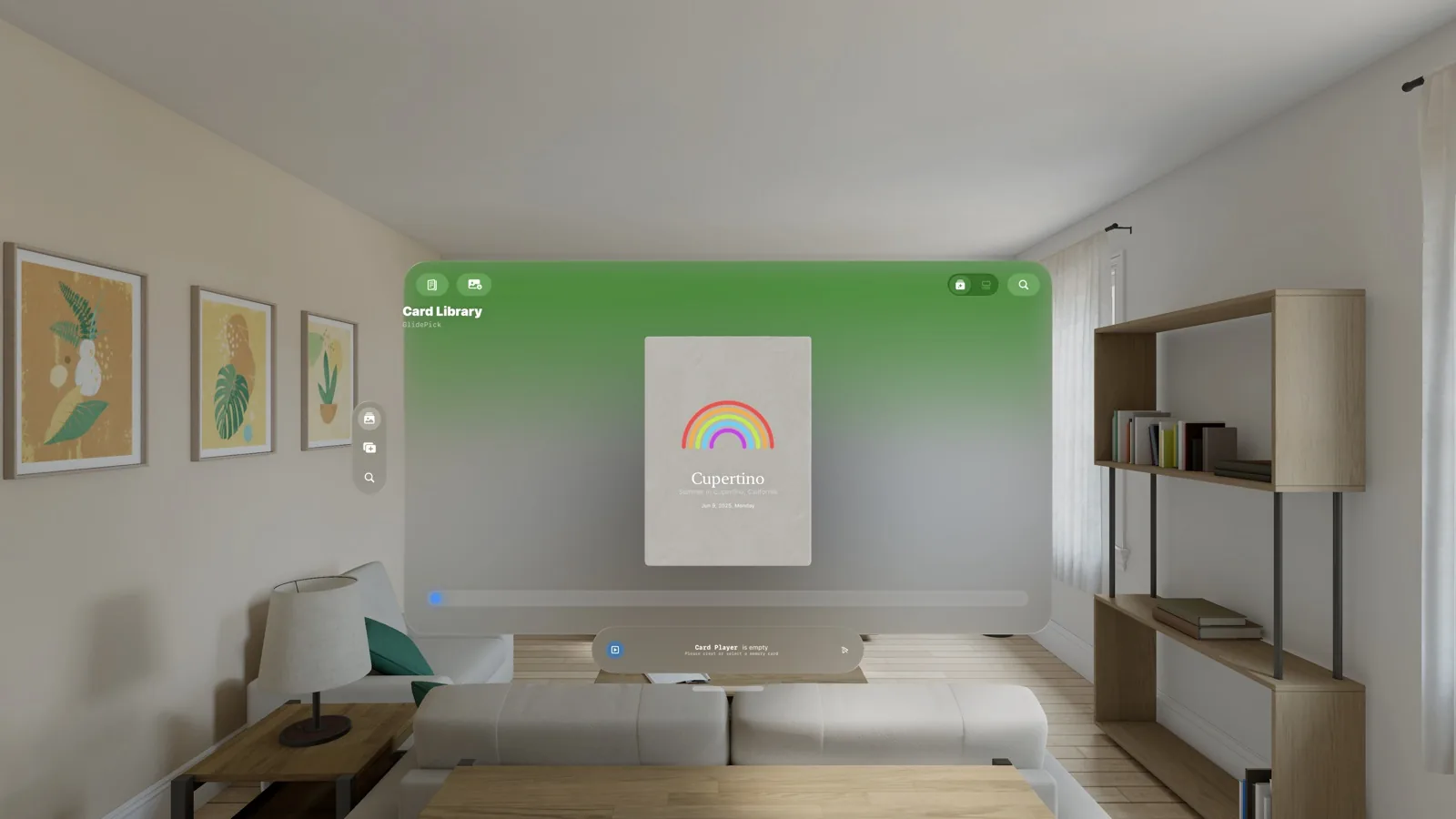
Your library, in a window.
The same Card Library opens as a window in your room. Interactions are designed for space: lean, reach and glance.
Privacy and security
Your memories are yours.
Data Not Collected.
MemoryCard does not collect personal data. Read the Privacy Policy.
AES-256.
Cards are protected with AES-256 encryption, an industry-adopted standard.
Your own iCloud.
iCloud keeps your cards safely in sync across your devices.
Swift Middle School Challenge
First place in the Challenge group.
MemoryCard won first place in the Challenge group of the 2025 Swift Middle School Challenge, part of MAIC, and was presented on stage at the finals showcase. Recognition
Specs
- Platforms
- iPhone with iOS 26 or later
- Apple Vision Pro with visionOS 26 or later
- Apple Vision Pro only
- LiveSpatial and Recollections
- Category
- Lifestyle
- Languages
- Arabic, Chinese (Simplified and Traditional), French, German, Hindi, Italian, Japanese, Korean, Portuguese, Russian and Spanish
- Availability
- 174 countries and regions
- Age rating
- 4+
- Privacy
- Data Not Collected
Questions? Answers.
Which features need Apple Vision Pro?
LiveSpatial and Recollections. Making, browsing and playing cards, GlidePick and HapticVision work on iPhone.
How are my cards protected?
Cards are encrypted with AES-256 and sync through your own iCloud. MemoryCard does not collect personal data.